


- Responsive and Mobile-First Design
- Minimalist Aesthetics
- Typography-Centric Design
- Dark Mode Implementation
- WordPress Webdesign
- Engaging Users with Animation and Micro-Interactions
- AI-Powered Design Customization
- WordPress Web Design Agency
- Sustainable Web Design Practices
- Embracing the Future of WordPress Trends
Staying updated with current WordPress website design trends is essential for anyone looking to maintain a modern, engaging, and user-friendly online presence. In a fast-changing digital landscape, design is no longer just about aesthetics – it’s about functionality, accessibility, and performance.
As we move through 2025, the evolution of web technologies and user behavior continues to shape how websites are built and experienced. From visual minimalism to AI-assisted customization, WordPress web design trends are reflecting broader shifts in user expectations and digital standards. Whether you’re a site owner, developer, or agency, knowing what’s next can help you stay ahead of the curve.
Responsive and Mobile-First Design

Users are accessing websites from a wide range of devices – smartphones, tablets, laptops, and more. Designing with responsiveness in mind is no longer optional; it’s a necessity. One of the most consistent WordPress web design trends is the shift toward mobile-first development, ensuring that sites are optimized for smaller screens before scaling up to larger ones.
To implement responsive design effectively in WordPress, consider using flexible grid-based layouts, scalable images, and CSS media queries. Choose themes that are mobile-optimized by default and regularly test your site across multiple devices. Plugins like WPtouch or responsive preview tools can also help fine-tune user experience.
As part of broader WordPress trends, mobile-first design supports better SEO, faster load times, and higher engagement – making it a foundational practice for any modern website.
Minimalist Aesthetics
Minimalism in web design focuses on simplicity, clarity, and purpose. By removing unnecessary elements and emphasizing only what’s essential, minimalist websites create a more focused and enjoyable user experience. This approach often features clean layouts, limited color palettes, and thoughtful typography.
The benefits of minimalist design go beyond visual appeal. Clean interfaces reduce cognitive load, making it easier for users to navigate and absorb information. Ample white space also helps draw attention to key elements, such as calls to action or featured content, without overwhelming the visitor.
In a digital world filled with distractions, minimalism offers a calm and intuitive browsing experience – one that’s both effective and aesthetically pleasing.
Typography-Centric Design
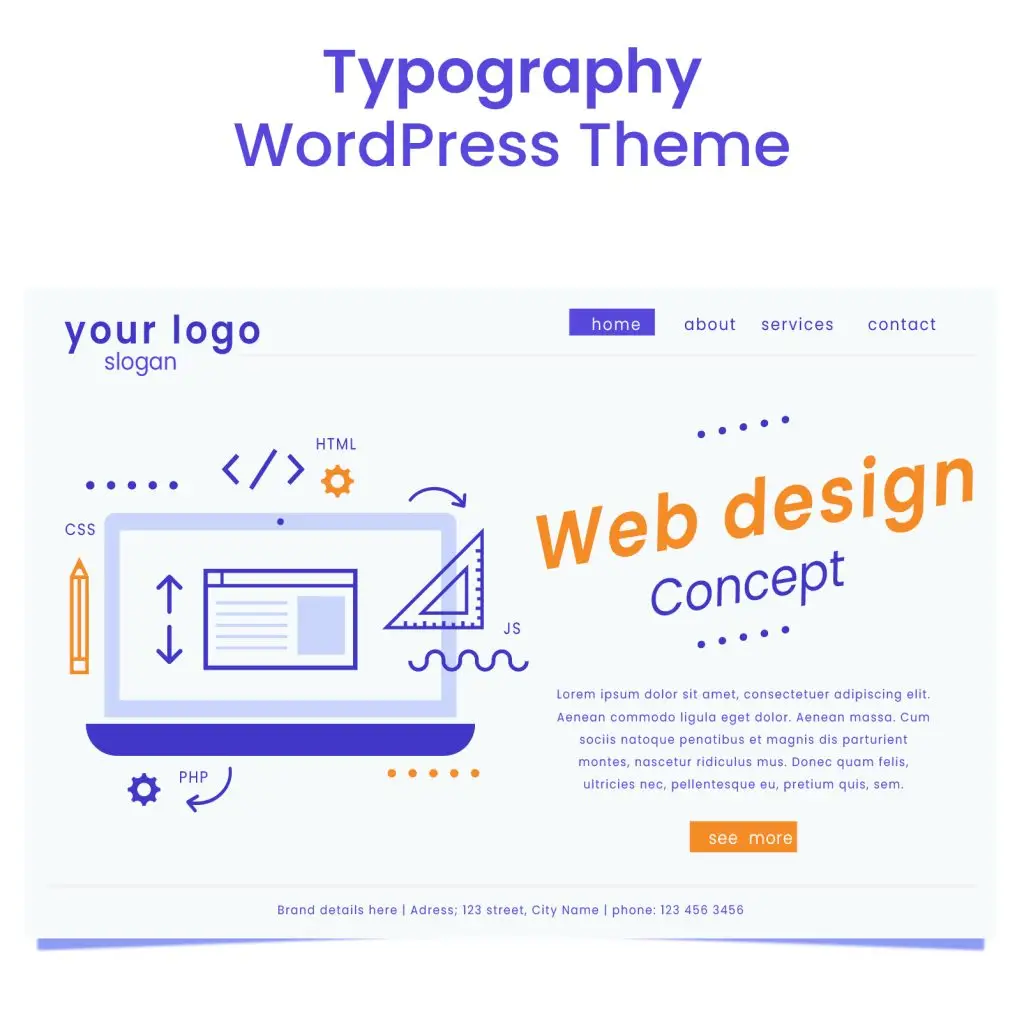
Typography plays a powerful role in shaping how users perceive and interact with a website. Bold, unique typefaces can instantly convey a brand’s personality, while clear, readable fonts ensure that content is easy to digest. In modern design, typography isn’t just a supporting element – it often takes center stage.
To use typography effectively, start by choosing fonts that align with your brand’s tone. Pair contrasting typefaces – such as a strong serif for headlines and a clean sans-serif for body text – to create visual hierarchy. Pay close attention to line spacing, font size, and contrast to maintain legibility across all devices.
Most WordPress themes allow for extensive typography customization, so take advantage of these features to craft a distinct and consistent visual identity.
Dark Mode Implementation
Dark mode has gained significant traction in recent years, driven by user preferences for reduced eye strain, longer battery life on mobile devices, and a sleek visual aesthetic. As part of evolving WordPress website design trends, offering a dark mode option has become a valuable feature for enhancing user experience.
Integrating dark mode into a WordPress site can be done using theme settings, custom CSS, or plugins like WP Dark Mode. Many modern themes now include built-in toggles that allow visitors to switch between light and dark modes seamlessly. When implementing this feature, ensure that all design elements – from text to buttons – maintain adequate contrast and readability.
Providing a dark mode option shows attention to accessibility and user comfort, making your site feel more modern and user-friendly.
WordPress Webdesign
Enhance your agency’s offerings with our WordPress website design services. Get custom, high-quality designs that fit your client’s needs.
Engaging Users with Animation and Micro-Interactions
Animations and micro-interactions have become key elements in delivering a more dynamic, responsive, and engaging web experience. Rather than overwhelming the user, thoughtful motion design provides visual cues that guide interaction, signal changes, and reinforce usability. Within modern WordPress web design trends, these subtle effects are being increasingly used to create more immersive, human-centered websites.
Animations can serve many purposes – drawing attention to a call-to-action, signaling that a process is taking place, or simply adding delight to the browsing experience. However, their true power lies in the details. Micro-interactions, which are small design responses to user actions (like clicking, hovering, or scrolling), play a vital role in making a website feel intuitive and alive.
Examples of Effective Micro-Interactions in Modern Web Design:
- Button Hover Effects
Slight scaling or color changes on hover help users understand that an element is clickable. - Scroll-triggered Animations
Text or images that fade in as the user scrolls provide a sense of progression and keep engagement high. - Form Input Feedback
Real-time error messages, success ticks, or progress indicators offer immediate feedback, reducing frustration. - Loading Animations
Spinners, bars, or creative loading graphics assure users that the site is actively processing their request. - Navigation Menu Interactions
Slide-in menus, dropdown transitions, or icon animations create a smoother navigation experience.
When used with intention, animations enhance – not distract from – usability. For WordPress users, these can be implemented through plugins like Animate It!, custom CSS/JavaScript, or built-in theme features that support animations and transitions.
To ensure performance isn’t sacrificed, animations should be lightweight and optimized for all devices. Overuse or poorly executed motion can create the opposite effect – slowing down your site or confusing users. Test across devices and aim for consistency.
By integrating meaningful animations and micro-interactions, websites can feel more responsive and refined – helping turn casual visitors into engaged users.
AI-Powered Design Customization
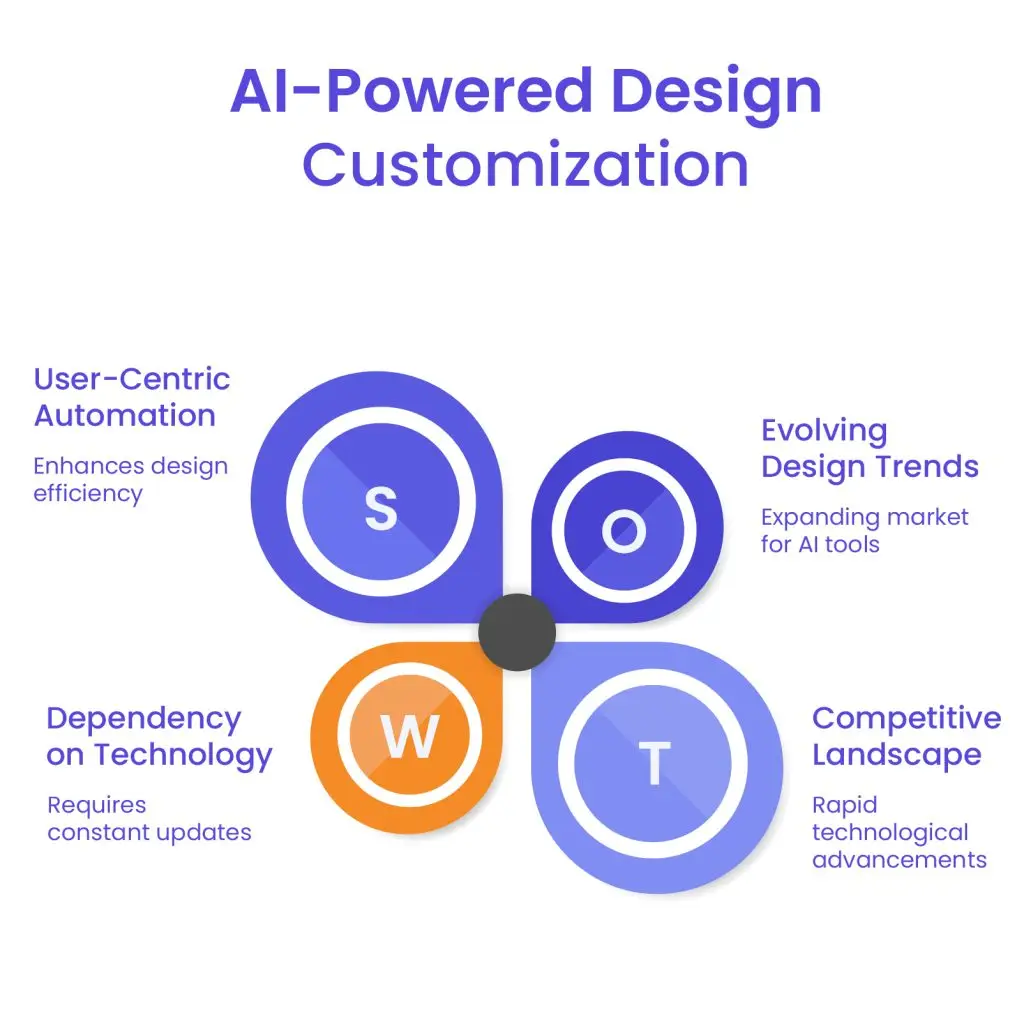
Artificial intelligence is transforming how websites are created, designed, and personalized – ushering in a new era of intelligent automation and user-centric experiences. As part of emerging WordPress website design trends, AI is being used to streamline workflows, adapt designs in real-time, and create highly personalized experiences based on user behavior.
AI-powered design tools can now analyze user preferences, suggest layout improvements, and even generate custom visuals or content. These technologies not only save time but also ensure that websites deliver relevant and optimized experiences to individual visitors. For businesses and creators using WordPress, the integration of AI tools can significantly elevate both design quality and user satisfaction.
Notable AI-Driven Tools and Plugins for WordPress:
- 10Web AI Website Builder
An AI-based builder that generates an entire website based on user input and content prompts, allowing fast prototyping and customization. - Bertha.ai
A writing assistant that integrates directly into the WordPress editor, helping you craft on-brand copy that matches your design tone. - Quttera Web Malware Scanner (AI-enhanced security)
While focused on security, it uses AI to monitor anomalies and helps maintain a healthy, trustworthy user experience. - The Grid (AI layout engine)
Although not WordPress-exclusive, it’s influencing how WordPress web design trends evolve by automating layout creation based on visual and content cues. - Uncanny Automator
Uses AI logic to trigger design-related automations based on user actions – for example, dynamically changing layouts for logged-in users vs. visitors.
These tools are making it easier for designers, developers, and site owners to deliver tailored experiences without manually adjusting every detail. By using AI to optimize designs based on actual user behavior, websites become smarter, faster, and more in tune with audience needs.
As AI continues to mature, expect even more intuitive, hands-free design solutions that push the boundaries of what’s possible with WordPress.
WordPress Web Design Agency
Partner with our white label WordPress web design agency for custom, scalable solutions. We design, develop, and maintain websites tailored to your clients.
Sustainable Web Design Practices
As environmental awareness grows, sustainability is becoming an essential consideration in the digital space. Web design is no exception. Every website interaction consumes energy – from loading pages and running scripts to hosting media and maintaining servers. Adopting sustainable design practices not only helps reduce environmental impact but also leads to faster, more efficient websites.
Among the emerging WordPress web design trends, eco-friendly development is gaining traction. Designers and developers are now more mindful of how their choices affect performance and carbon footprint. A leaner, greener website isn’t just better for the planet – it provides a better user experience.
Why Sustainable Web Design Matters:
- Reduces energy use on both the server and user end.
- Improves loading times and overall site performance.
- Increases accessibility and mobile usability.
- Enhances SEO rankings by promoting speed and efficiency.
- Aligns your brand with modern environmental values.
Strategies to Optimize Performance and Efficiency:
- Use Lightweight Themes and Plugins
Avoid bloated code and features you don’t need. Choose minimalist themes and only install essential plugins to reduce processing requirements. - Compress Images and Media Files
Optimize file sizes using tools like TinyPNG or Smush to cut down on bandwidth usage without sacrificing quality. - Implement Lazy Loading
Load images and media only when they enter the user’s viewport, minimizing initial page load times. - Leverage Green Hosting Providers
Use hosting companies that run on renewable energy or have carbon offset programs. - Minify Code
Minify CSS, JavaScript, and HTML files to reduce load size and improve performance. - Limit Use of Autoplay Videos or Animations
These features consume more resources and often don’t add functional value.
Sustainable web design isn’t just a trend – it’s a long-term responsibility. Incorporating eco-conscious choices into your WordPress workflow is a smart way to future-proof your website while contributing to a more energy-efficient internet.
Embracing the Future of WordPress Trends
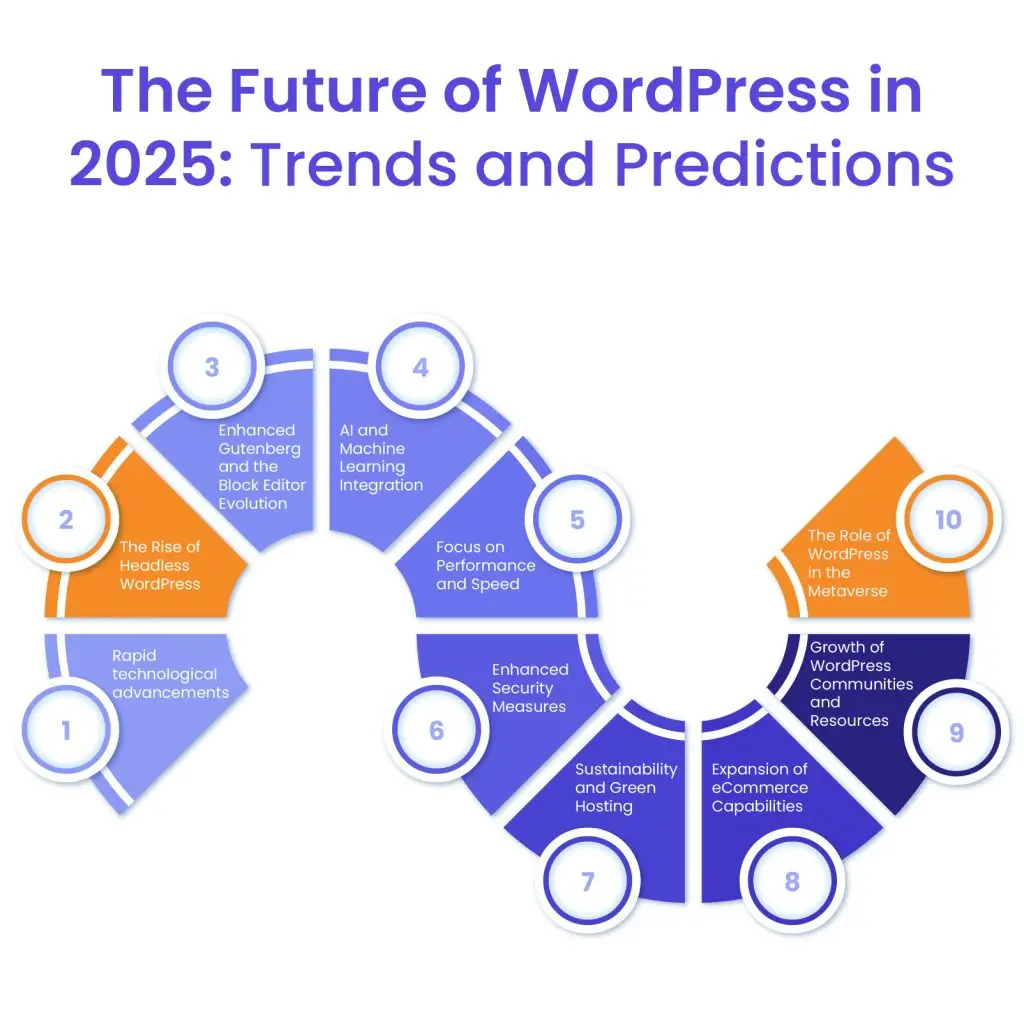
The design landscape is evolving rapidly, and staying aligned with the latest WordPress trends is key to building a website that not only looks great but performs exceptionally. In 2025, trends like responsive design, minimalist aesthetics, dark mode, typography-focused layouts, AI-powered customization, engaging micro-interactions, and sustainable practices are setting the standard for what users expect from modern web experiences.
By integrating these forward-thinking strategies, you can ensure your WordPress site remains visually compelling, highly functional, and user-friendly – regardless of the audience or device. These trends aren’t just about aesthetics – they’re about improving speed, accessibility, and long-term relevance in a competitive digital space.
If you’re looking to implement these design trends with precision and impact, consider partnering with professionals who specialize in WordPress design. At White Label Agency, we help agencies and businesses build websites that align with the design best practices – without compromising on speed, quality, or scalability. Contact us and let us help you stay ahead of the curve.


