- What Makes a Security Plugin Essential?
- Top 10 WordPress Security Plugins for 2024
- Comparison Table: Free vs. Paid WordPress Security Plugins
- WordPress maintenance plans
- How to Choose the Right WordPress Security Plugins for Your Site
- Plugin Setup and Best Practices
- Bonus Tips for Securing WordPress Sites
- Website as a service
- Protect Your WordPress Site with the Best Plugins and Expert Maintenance
Having a widely used content management system such as WordPress comes with its own challenges. With WordPress powering over 40% of the internet, it has become a prime target for cyber threats.
According to Astra Security, WordPress faces about 90,000 attacks per minute. From brute-force attacks to malware infections, the vulnerabilities are constantly evolving, leaving websites exposed to potential damage if the right precautions aren’t in place.
Therefore, investing in the best WordPress security plugins is an important step in creating a valuable layer of protection for your clients’ websites.
Throughout our decade of experience at White Label Agency, we’ve consistently met clients who face website security concerns. We’ve seen them confronting malware infections and proactively seeking solutions like maintenance services. Understanding these concerns is why White Label Agency prioritizes security.
With over 10,000 successful WordPress projects, we’ll lead your agency to explore reputable WordPress security plugins, their unique features, and how they can help you protect your website from common threats like malware, hacking attempts, and unauthorized access.
What Makes a Security Plugin Essential?
When it comes to WordPress security, the right plugin can make all the difference in protecting your website. Every effective security plugin should come equipped with a set of core features that help defend against common threats. These include:
- Firewall protection: A firewall blocks malicious traffic before it reaches your website, acting as a barrier between your site and potential hackers.
- Malware scanning: Regularly scan your site for malicious code or vulnerabilities that could lead to infections, keeping your website clean and safe.
- Brute-force attack protection: Prevents hackers from gaining unauthorized access by limiting failed login attempts and blocking suspicious IP addresses.
While these basic features are critical, WordPress security best practices suggest incorporating more advanced protection measures. Many modern plugins offer:
- Two-Factor Authentication (2FA): Adds an extra layer of security by requiring users to verify their identity through a second factor, such as a mobile device, in addition to their password.
- Database backups: Regular backups ensure that even if your website is compromised, you can quickly restore it to a previous state without losing critical data.
- Web Application Firewalls (WAF): Unlike traditional firewalls, a WAF blocks threats at the application level, providing more advanced protection against complex cyberattacks.
By combining these essential and advanced features, WordPress security plugins create a robust defense system that helps protect your site from both common and sophisticated threats.
Top 10 WordPress Security Plugins for 2024
Ensuring your website’s protection starts with choosing the best WordPress security plugins. Below is a breakdown of the top security plugins for 2024, each designed to safeguard your site from potential threats:

1. Wordfence Security
- Price: Free (Premium version available starting at $119/year)
- Key Features: Web Application Firewall (WAF), real-time threat defense, malware scanning.
- Free vs. Premium: The free version offers solid protection with firewall and malware scanning, while the premium version includes real-time updates and a more powerful firewall.
- Ideal for: Users seeking comprehensive protection with real-time monitoring and scanning.

2. Sucuri Security
- Price: Free (Premium version available starting at $199.99/year)
- Key Features: Remote malware scanning, activity auditing, website firewall, DDoS, and brute-force attack prevention.
- Best For: Small to large websites needing remote monitoring, incident response, and comprehensive firewall protection.
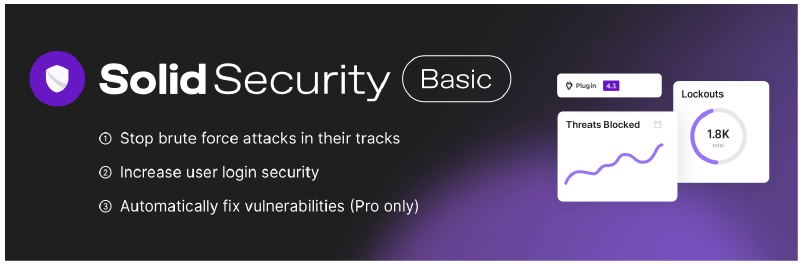
3. iThemes Security / SolidWP
- Price: Free (Pro version available starting at $199/year)
- Key Features: Brute-force protection, file integrity monitoring, two-factor authentication (2FA).
- Strengths: Easy-to-use, all-in-one security checks make it perfect for beginners.
- Ideal for: Beginner to intermediate users looking for a user-friendly and comprehensive WordPress security solution.
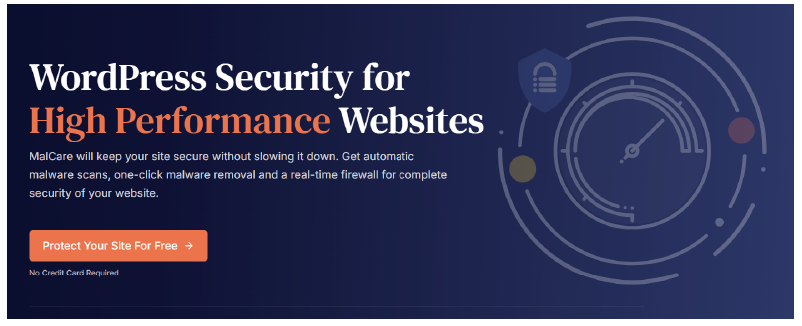
4. MalCare Security
- Price: Free (Premium starts at $149/year)
- Key Features: Deep malware scans, automatic malware removal, no server overload.
- Ideal for: Website owners prioritizing server performance and fast response times.
5. BulletProof Security
- Price: Free (Pro version available for a one-time fee of $69.95)
- Key Features: Advanced database backups, login protection, and anti-spam features.
- Best For: Advanced users who need robust database security and a customizable security setup.
6. Security Ninja
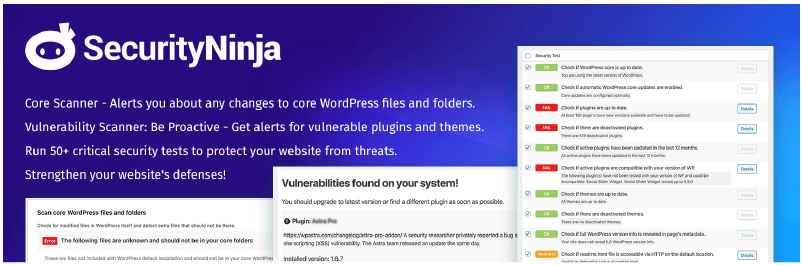
- Price: Free (Pro version starting at $49.99/year)
- Key Features: 50+ automated security tests, detailed reporting, and cloud firewall integration.
- Ideal for: Developers or agencies managing large WordPress websites.
7. WPScan
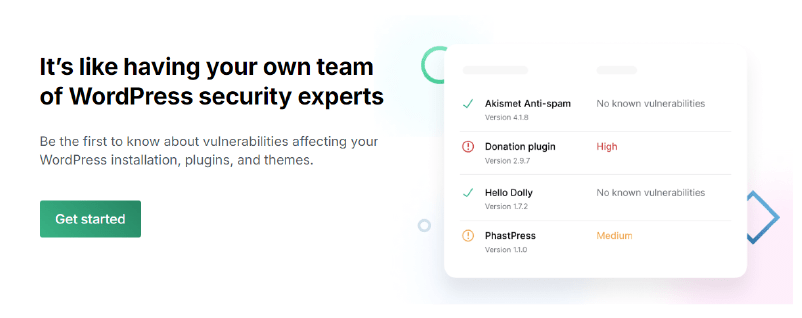
- Price: Free (Paid plans start at $5/month)
- Key Features: Open-source vulnerability database scanning for WordPress core, themes, and plugins.
- Ideal for: Security teams needing regular vulnerability assessments.
8. Hide My WP
- Price: starting from $29
- Key Features: Hides your WordPress login page, and blocks automated attacks.
- Best For: Small businesses wanting to conceal their WordPress setup from potential attackers.

9. Stop User Enumeration
- Price: Free
- Key Features: Prevents username enumeration attacks, works well with other plugins like Fail2Ban.
- Best For: Users looking to prevent hackers from obtaining usernames.
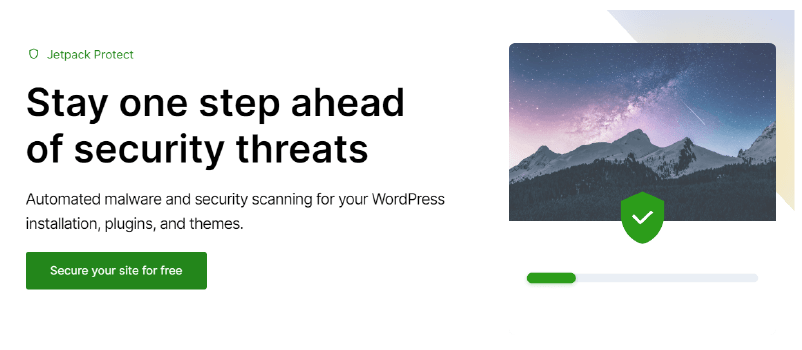
10. Jetpack Protect
- Price: Free (Paid plans start at $9.95/month)
- Key Features: Lightweight malware scanning, and site protection using WPScan’s vulnerability database.
- Best For: Users needing quick setup with minimal configuration.
By using one of these best WordPress security plugins, you’ll be taking a critical step in defending your website against common threats like malware, brute-force attacks, and vulnerabilities.
Comparison Table: Free vs. Paid WordPress Security Plugins
Choosing between free and paid WordPress security plugins can often come down to the specific features your website needs. While free versions provide essential protection, premium versions usually offer advanced features such as two-factor authentication (2FA) and real-time scanning. Below is a side-by-side comparison of the free and paid versions of the most popular WordPress security plugins:

Key Differences Between Free and Paid Versions:
- 2FA Support: While basic versions may offer limited two-factor authentication, premium plans often include more advanced 2FA options with extra layers of security.
- Real-Time Scanning: Free versions typically offer scheduled scans, whereas paid versions include real-time malware scanning and firewall protection.
- Firewalls: Free plugins may offer built-in WordPress firewalls, while premium versions provide advanced Web Application Firewalls (WAF) and DNS-level firewalls for greater protection.
- Backup and Restore Features: Paid plugins frequently offer automated database backups and the ability to restore your site after an attack, which are often limited or unavailable in free versions.
By upgrading to a premium plan, you gain access to more advanced features, which can enhance your website’s security and help ensure long-term protection.
WordPress maintenance plans
WordPress Maintenance Plans ensure site security, performance, and uptime. Choose custom plans with backups, monitoring, and unlimited content edits.
How to Choose the Right WordPress Security Plugins for Your Site
Selecting the best WordPress security plugins depends on your site’s specific needs. Whether you’re running a large eCommerce site or a personal blog, identifying your security requirements is key to protecting your website effectively. Here are some factors to consider when choosing the right WordPress security plugin for your site:
1. Identifying Your Security Needs
- Large eCommerce Sites: If you run a large eCommerce website, your priority should be advanced security features such as two-factor authentication (2FA), malware scanning, and a robust firewall. Plugins like Sucuri Security or MalCare are great options because they provide remote monitoring, comprehensive firewalls, and fast malware removal – crucial for sites that handle sensitive customer information.
- Personal Blogs or Small Business Sites: For smaller websites, you may not need an extensive set of features. Lightweight WordPress security plugins like Jetpack Protect or Wordfence (free version) offer strong baseline protection without overwhelming your system.
2. Performance Impact
When choosing a plugin, consider the performance impact, especially if you’re on a shared hosting environment. Security plugins with frequent scans and real-time protection can sometimes slow down your site, particularly on low-resource servers. For instance:
- Wordfence and BulletProof Security perform well on shared hosting, but excessive scanning may cause slowdowns during peak usage times.
- MalCare is an excellent choice if performance is a concern since it runs scans on its own servers, ensuring minimal impact on your website’s performance.
Balancing WordPress security best practices with performance is essential, particularly for sites that rely on speed and uptime.
3. Support and Regular Updates
One of the best WordPress security plugins should not only offer protection but also come with reliable support and regular updates. Cyber threats are continuously evolving, and plugins that receive frequent updates are better equipped to handle the latest vulnerabilities. Here’s why support and updates are crucial:
- Regular updates ensure your plugin can defend against the newest malware and hacking techniques.
- Customer support can be critical, especially during urgent security incidents. Plugins like Sucuri Security and Wordfence offer premium support, including immediate assistance with site recovery.
Choosing a plugin with solid support and ongoing development is a vital part of WordPress security best practices.
Plugin Setup and Best Practices
Once you have selected one of the best WordPress security plugins, the next step is to properly install and configure it. This section will walk you through the basic setup process for popular plugins like Wordfence and Sucuri Security, followed by essential WordPress security best practices such as regular updates and backups to keep your site secure.
1. Installing and Configuring Wordfence Security
- Step 1: From your WordPress dashboard, go to the Plugins section and click Add New. In the search bar, type “Wordfence Security.”
- Step 2: Click Install Now and then Activate once the plugin is installed.
- Step 3: After activation, a setup wizard will guide you through initial configuration, including enabling the Web Application Firewall (WAF).
- Step 4: Head to the Wordfence menu, navigate to Scan, and run your first security scan to check for any existing vulnerabilities or malware on your site.
- Step 5: Customize additional settings, such as setting up two-factor authentication (2FA) for extra login security.
Best Practice Tip: Ensure Wordfence is configured to send email alerts for critical issues like malware detection and attempted brute-force attacks.
2. Installing and Configuring Sucuri Security
- Step 1: From your WordPress dashboard, go to the Plugins section and click Add New. Search for “Sucuri Security.”
- Step 2: Click Install Now and Activate the plugin.
- Step 3: After activation, navigate to Sucuri Security in your WordPress dashboard.
- Step 4: Begin by configuring your firewall settings, enabling the Web Application Firewall (WAF) if using the premium version.
- Step 5: Activate malware scanning and configure notifications for suspicious activity, DDoS attacks, or brute-force attempts.
Best Practice Tip: Enable regular security scans and review the activity logs to stay on top of any suspicious changes on your website.
3. Regular Updates and Backups
Installing WordPress security plugins is just the first step. Keeping them updated and making regular backups are critical components of maintaining a secure site.
- Regular Updates: Security plugins should be updated frequently to ensure protection against the latest threats. Set your WordPress installation to automatically update plugins or make it a habit to check for updates weekly. Outdated plugins can introduce vulnerabilities that hackers can exploit.
- Regular Backups: Backup plugins, like UpdraftPlus or BackupBuddy, work hand-in-hand with your security plugin. Regular backups ensure that even if your site is compromised, you can restore it to a previous version with minimal downtime. Aim to schedule daily or weekly backups, depending on your website’s activity level.
WordPress security best practices also include regularly updating your WordPress core, themes, and other plugins to reduce vulnerabilities.

Bonus Tips for Securing WordPress Sites
In addition to using WordPress security plugins, there are several other crucial steps you can take to further protect your website. Implementing these additional security measures will strengthen your defense against potential attacks.
1. Use SSL Certificates
One of the simplest yet most effective ways to enhance WordPress security is by installing an SSL (Secure Sockets Layer) certificate. SSL encrypts the data exchanged between your website and its users, preventing hackers from intercepting sensitive information such as login credentials and payment details.
To check if your site is secured with SSL, ensure the URL begins with “https://” and displays a padlock icon. Many hosting providers offer free SSL certificates through services like Let’s Encrypt, which can be easily set up through your hosting dashboard.
- Best Practice Tip: Using SSL is not just about security; it also improves your site’s SEO ranking, as search engines prioritize secure websites.
2. Regularly Update WordPress Core, Themes, and Plugins
Keeping your WordPress installation, themes, and plugins updated is critical for protecting your site from vulnerabilities. Outdated software often contains security loopholes that hackers exploit to gain access to your site. By regularly updating everything, you reduce the risk of potential breaches.
- WordPress Core: Always ensure you’re running the latest version of WordPress.
- Themes and Plugins: Developers frequently release updates to fix security issues. Regularly review and update your themes and plugins, and consider removing any that are inactive or unsupported.
- Best Practice Tip: Set your WordPress installation to auto-update for minor core updates and enable automatic updates for trusted plugins.
3. Implement Strong Passwords and Limit Login Attempts
Weak passwords are one of the most common vulnerabilities in WordPress security. A strong password should include a mix of uppercase and lowercase letters, numbers, and special characters. It’s also advisable to use a password manager like LastPass or 1Password to generate and store complex passwords.
Additionally, brute-force attacks are a common way hackers try to break into WordPress sites by guessing your password. To prevent this, limit the number of failed login attempts a user can make before being temporarily blocked.
- Use WordPress security plugins like Wordfence or iThemes Security, which have built-in features for limiting login attempts.
- Set up two-factor authentication (2FA) for an added layer of security.
Best Practice Tip: Change your passwords regularly and encourage all users with access to do the same. Implement 2FA for administrator-level accounts.
By following these bonus tips in addition to using WordPress security plugins, you will significantly enhance the overall security of your website, reducing the risk of attacks and ensuring your data remains safe.
Website as a service
Website As a Service [WAAS] provides complete website solutions including design, hosting, and maintenance through a convenient subscription model for Agencies.
Protect Your WordPress Site with the Best Plugins and Expert Maintenance
Nowadays, ensuring WordPress security is more important than ever. The best WordPress security plugins, like Wordfence, Sucuri, and iThemes Security, provide robust protection for a wide range of websites, from personal blogs to large eCommerce platforms. Each of these plugins offers essential features such as malware scanning, brute-force protection, and firewalls, but choosing the right one depends on your site’s specific needs.
However, it’s crucial to remember that no single plugin can guarantee total security. Following WordPress security best practices mean layering your defenses with a combination of security plugins, host-level firewalls, regular updates, and periodic audits. By regularly maintaining these security measures, you can safeguard your website from common vulnerabilities and ensure long-term protection.
At White Label Agency, we understand the critical nature of website security, and we specialize in providing not only the best security solutions but also ongoing maintenance support. With over a decade of experience and thousands of successful WordPress projects, we are here to help your agency protect your clients’ websites. Contact us for more information on our security and maintenance services, and to discuss your agency’s needs.