


- Why Customizable SEO is Important for WordPress Websites
- Key Elements of FCSO WordPress
- Best Plugins for Fully Customizable SEO in WordPress
- Advanced Customization Techniques for SEO in WordPress
- Customizing SEO for Different Business Types
- Troubleshooting and Maintaining Fully Customizable SEO in WordPress
- Enhance Your SEO Strategy with FCSO WordPress
Having a website that stands out requires more than just good content – it requires a solid foundation of search engine optimization (SEO). Fully Customizable Search Engine Optimization – FCSO WordPress takes your site’s SEO to the next level by allowing you to tailor every aspect of how search engines perceive your website.
But what exactly is FCSO WordPress? Simply put, FCSO WordPress refers to the ability to fully control and optimize various SEO elements, from metadata and URLs to page load times and mobile performance. This flexibility makes it easier for website owners to achieve higher rankings, better user experiences, and faster load times.
WordPress stands out as one of the most powerful platforms for customizable SEO because of its vast array of plugins, tools, and settings that empower users to optimize every aspect of their website. Whether you’re a developer or a small business owner, WordPress makes it easy to implement tailored SEO strategies that meet your site’s specific needs.
In this comprehensive guide, we’ll explore the key components of FCSO WordPress, provide actionable strategies for optimizing your WordPress website, and address common challenges you may encounter along the way.
Why Customizable SEO is Important for WordPress Websites
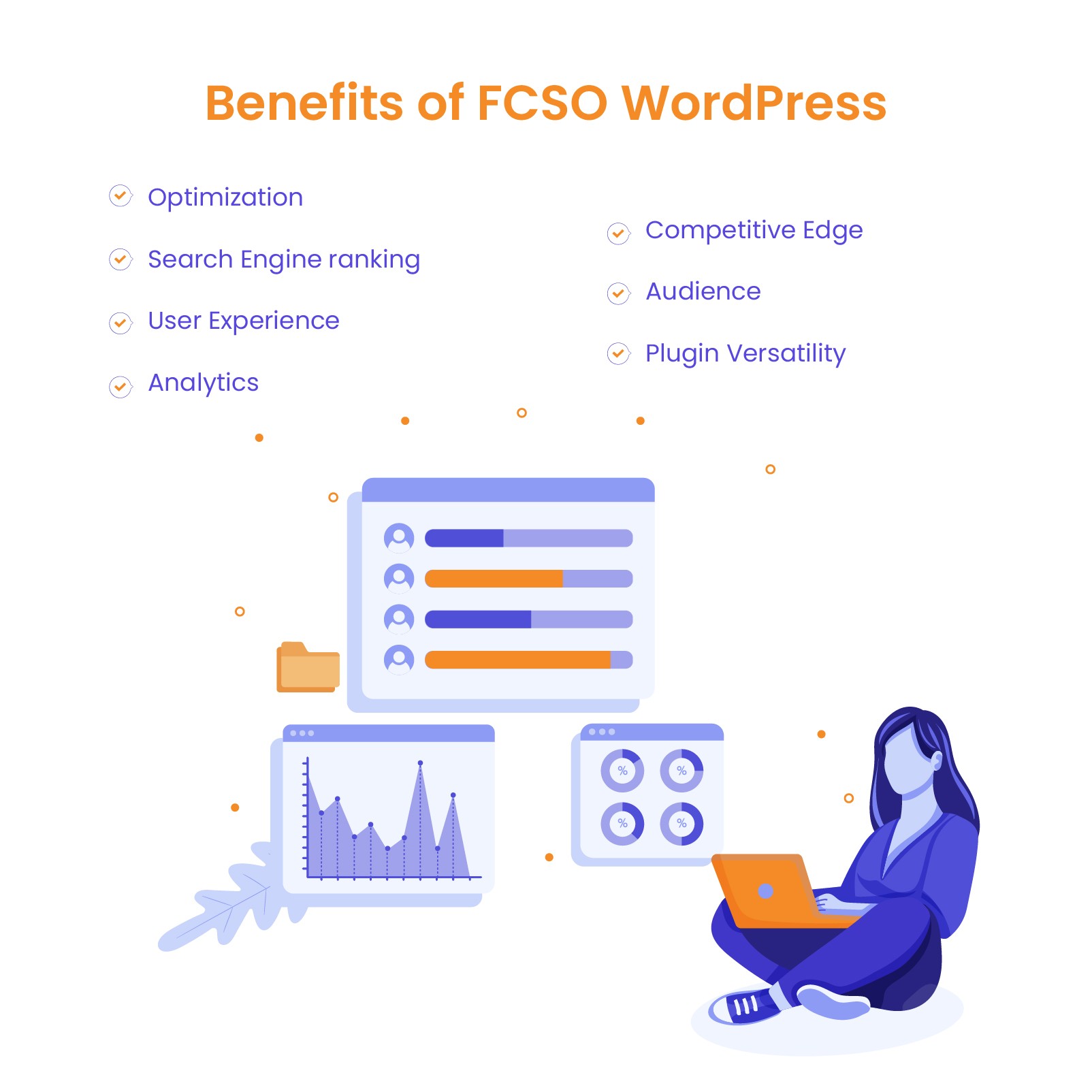
Each website has unique goals, audiences, and needs. One-size-fits-all SEO solutions can only go so far. Customizing your FCSO WordPress strategy ensures that you can target specific keywords, optimize your content for better engagement, and adapt your site to changing search engine algorithms. In short, customization allows you to fine-tune your site’s SEO for better performance and results.
Improved Rankings and Traffic
Search engines, like Google, value websites that are optimized for both speed and content relevance. With FCSO WordPress, you can fine-tune aspects such as meta descriptions, headings, and image alt text. You can also enhance page load speeds and mobile responsiveness, which are important ranking factors. Google reports that 53% of mobile users leave a website if it takes more than 3 seconds to load.
The more customized your SEO strategy is, the more likely you are to see higher rankings and more traffic from users searching for your content.
Better User Experience
Customizable SEO not only benefits search engines but also enhances the overall experience for your visitors. With FCSO WordPress, you can optimize your site’s load speed and structure, encouraging users to stay longer and engage with your content. For instance, by compressing images and implementing cached pages, your website will load faster, ensuring smooth and enjoyable navigation. This improvement boosts user satisfaction and positively impacts your search engine rankings.
Adapting SEO to Business and Industry Needs
Every business and industry has different SEO requirements. Whether you’re running an online store or a local service-based business, FCSO WordPress allows you to adapt your site to meet specific needs. For instance, a travel blog might focus on optimizing local SEO for different destinations, while an e-commerce store could customize product pages to target relevant, high-traffic keywords. This level of customization ensures that your SEO strategy aligns perfectly with your business goals and audience.
Projects
Outsource web projects with confidence. We provide fixed-price white-label WordPress development and dedicated management with no upfront payment.
Key Elements of FCSO WordPress
FCSO WordPress empowers you to adjust every detail of your site’s SEO for better rankings, performance, and user experience. Let’s explore key elements of FCSO WordPress that can help you fine-tune your optimization strategy.
On-Page SEO: Customizing Meta Tags, Headers, and URLs
On-page SEO focuses on optimizing individual pages for search engines. With FCSO WordPress, you can customize key on-page elements:
- Meta tags: Tailor titles and descriptions to include targeted keywords for better search visibility.
- Headers (H1, H2, H3…): Structure your content with appropriate header tags, making it easier for search engines to understand and rank your content.
- URLs: Create clean, keyword-rich URLs that help with both SEO and user readability.
Content Optimization: Customizing for Keywords, Topics, and Regions
Content customization is essential to improve relevance and attract the right audience. With FCSO WordPress you can:
- Target specific keywords that are relevant to your business or industry.
- Customize content for different regions, attracting local audiences with location-based keywords.
- Create high-quality, engaging content that aligns with search intent, ensuring better user experience and search rankings.
Technical SEO: Optimizing Site Speed, Mobile Responsiveness, and Architecture
Technical SEO ensures your site performs well, both for users and search engines. Key areas to optimize with FCSO WordPress include:
- Site speed: Use caching plugins like WP Rocket and tools such as Autoptimize to reduce load times.
- Mobile responsiveness: Implement responsive themes that ensure your site looks great on all devices.
- Site architecture: Simplify navigation and structure for easy crawling and indexing by search engines.
Schema Markup: Adding and Customizing for Different Content Types
Schema markup helps search engines understand your content better. With FCSO WordPress you can easily add and customize schema for various content types:
- Products, articles, reviews: Implement schema to make your content eligible for rich snippets and improve visibility in search results.
- Plugins: Use tools like Schema Pro or Rank Math to simplify schema implementation and customization.
Local SEO: Customizing for Local Search
For businesses targeting local customers, local SEO is crucial. FCSO WordPress allows you to optimize for local search by:
- Incorporating location-based keywords to improve your visibility in local search results.
- Utilizing plugins like Yoast SEO and Rank Math to manage Google My Business integration and local SEO schema.
- Enhancing local visibility through consistent NAP (name, address, phone) information across your site.
Best Plugins for Fully Customizable SEO in WordPress
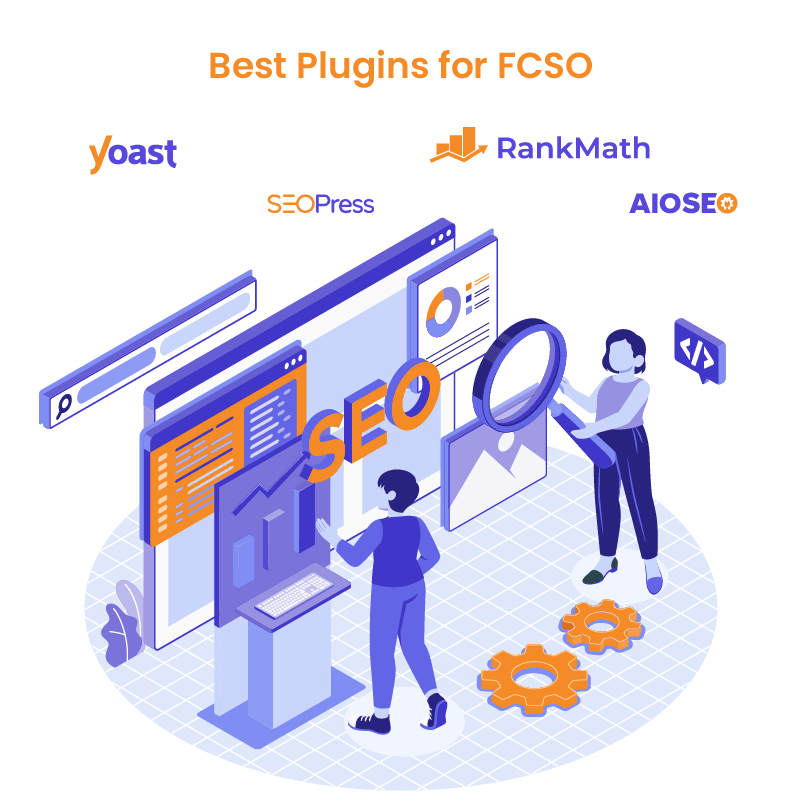
WordPress offers several powerful plugins that make FCSO WordPress easy and effective. These plugins allow users to fine-tune every aspect of their SEO strategy, helping websites rank higher and perform better. Below are some of the best plugins to help you achieve your goals.
Yoast SEO: Advanced Features and Customization Options
- One of the most popular plugins for FCSO WordPress
- Offers a wide range of advanced features to fully customize your site’s SEO
- Optimizes meta tags (titles and descriptions) for improved keyword targeting
- Provides readability analysis with real-time feedback
- Generates XML sitemaps automatically for better site indexing
- Offers control over breadcrumb navigation
- Enhances both user experience and SEO
Rank Math: Full SEO Customization Toolkit with Detailed Guides
- Excellent plugin tailored for FCSO WordPress
- Allows optimization for multiple keywords
- Integrates schema markup for rich snippets
- Offers detailed SEO analysis to improve your optimization strategy
- Features step-by-step guides for easy setup and configuration
- Suitable for both SEO experts and beginners
SEOPress: A Clean, Powerful Plugin for SEO Customization
- Standout plugin for FCSO WordPress known for its clean interface
- Provides high level of control over SEO settings
- Enables customization of meta titles and descriptions for each page and post
- Manages custom XML and HTML sitemaps for better indexing
- Supports schema markup for structured data
- Integrates with Google Analytics for tracking SEO efforts
All-in-One SEO: Full SEO Control Without Complicated Settings
- Excellent choice for FCSO WordPress users seeking full SEO control without complex settings
- Provides customizable SEO settings for on-page elements
- Includes performance tracking features for monitoring SEO strategy
- Allows real-time monitoring and adjustment of SEO efforts
- Suitable for both beginners and experienced SEO professionals
Advanced Customization Techniques for SEO in WordPress
For those looking to take their SEO efforts even further, advanced customization techniques offer more control and precision. FCSO WordPress enables you to go beyond basic plugin functionality and make manual and technical adjustments that enhance your site’s performance, user experience, and search engine rankings.
Let’s explore some of the advanced methods for optimizing SEO in WordPress.
Manual Customization of SEO Elements
While plugins simplify many SEO tasks, manual customization offers even greater flexibility and control within FCSO WordPress. Some advanced techniques include:
- Modifying code and meta tags: Edit your theme’s HTML or PHP files to include custom meta descriptions, keywords, and schema markup, ensuring your site is optimized exactly as needed.
- Optimizing content manually: Strategically place keywords in your content, fine-tune headings, and improve the overall structure to ensure that your content addresses search intent and ranks well.
- Customizing title tags and descriptions: Write unique, compelling meta titles and descriptions that are relevant to the page and are designed to boost click-through rates in search results.
Technical Customization
Technical SEO is essential for improving site performance and search engine visibility. Advanced customizations in FCSO WordPress include:
- Optimizing page speed: Implement image compression, enable browser caching, and use lazy loading techniques to improve loading times and user experience.
- Core Web Vitals: Focus on improving metrics like Largest Contentful Paint (LCP), First Input Delay (FID), and Cumulative Layout Shift (CLS) to enhance both performance and search rankings.
- Server-side optimization: Adjust server settings, optimize your database, and configure caching at the server level to handle traffic and dynamic content more efficiently.
Customizing URLs and Redirects
A well-structured URL is essential for effective SEO, and FCSO WordPress gives you the tools to fully customize and manage your URLs and redirects for maximum impact. Here’s how to customize and manage URLs and redirects for maximum impact:
- Clean, keyword-rich URLs: Remove unnecessary words, create concise URLs, and incorporate important keywords to improve search engine visibility.
- Managing redirects: Use 301 redirects to send traffic from outdated or broken pages to relevant new ones, preserving your SEO equity and ensuring users and search engines reach the right destination.
Mobile Optimization:
With mobile traffic continuing to grow, mobile optimization has become a critical part of SEO. With FCSO WordPress, you can customize mobile-specific SEO strategies to ensure your site performs optimally on all devices. By leveraging responsive design, optimizing page speed, and tailoring content for mobile users, FCSO WordPress enables you to create a seamless mobile experience that boosts both user engagement and search engine rankings.
Let’s explore how to customize mobile-specific SEO strategies in WordPress:
- Responsive design: Ensure your site adapts seamlessly to different screen sizes for a better mobile user experience.
- Mobile page speed: Use tools like AMP (Accelerated Mobile Pages) and optimize images and CSS for faster loading times on mobile devices.
- Targeting mobile-specific keywords: Customize your content and keywords to match the needs and search habits of mobile users, improving rankings and engagement on mobile devices.
Customizing SEO for Different Business Types
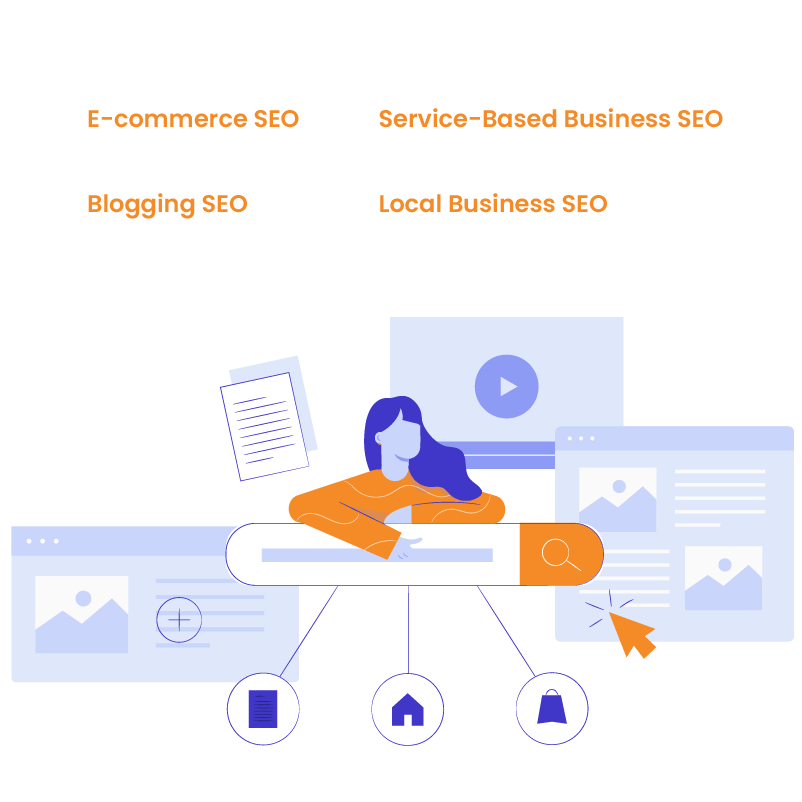
Every business has unique SEO needs, and FCSO WordPress allows you to tailor your SEO strategies to fit those specific requirements. Whether you run an e-commerce store, some local business, a blog, or a service-based company, WordPress gives you the flexibility to customize your SEO for maximum impact.
E-commerce SEO
For e-commerce websites, SEO customization is crucial for improving product visibility and driving traffic. With FCSO WordPress, you can optimize product pages by ensuring that each page has unique meta tags, descriptions, and keyword-rich titles.
Adding structured data, such as product schema, helps search engines display rich snippets like product prices, ratings, and availability in search results, improving click-through rates.
Customizing category pages is equally important, as these often rank higher in search engines. Ensure your category pages are well-optimized with targeted keywords, internal links, and structured content to drive more organic traffic.
Local Business SEO
Local businesses need to focus on capturing search traffic from nearby users. FCSO WordPress makes this easy by allowing you to customize location-specific elements. Optimize your website for local search by adding location tags in your content, meta descriptions, and titles. Make sure your business details, such as name, address, and phone number (NAP), are consistent across your site and listed in schema markup.
Additionally, embedding Google Maps on your contact page helps search engines recognize your business location, improving your chances of ranking in local searches.
Blogging SEO
Blogs thrive on organic traffic, and FCSO WordPress allows bloggers to customize their posts for better SEO performance. Using long-tail keywords is essential for ranking in niche searches and capturing targeted traffic. Customize each post’s meta tags, titles, and URLs to include these keywords.
Proper use of header tags (H1, H2, H3) organizes your content and makes it easier for search engines to understand. Additionally, categorize and tag your posts effectively to create a clear content hierarchy that helps both users and search engines navigate your site with ease.
Service-Based Business SEO
Service-based businesses benefit from FCSO WordPress by optimizing their service pages for both conversions and search visibility. Customize your service pages with targeted keywords related to the services you offer, and include clear, actionable meta descriptions that drive clicks from search results.
Use structured data, such as schema for service businesses, to help search engines understand the services you provide and display rich snippets. Additionally, focusing on local SEO for service-based businesses is essential. Optimizing pages with location-based keywords helps attract clients in your service area.

Troubleshooting and Maintaining Fully Customizable SEO in WordPress
Customizing SEO for your WordPress site can deliver excellent results, but it’s important to know how to avoid common mistakes and ensure ongoing optimization. By following best practices and using the right tools, you can maintain the effectiveness of your FCSO WordPress strategy and adapt to changes in search engine algorithms.
Common Mistakes to Avoid When Customizing SEO
When working with FCSO WordPress, it’s important to avoid common SEO mistakes that can negatively impact your site’s performance:
- Ignoring page speed: Slow loading times can severely harm your search rankings. Always prioritize optimizing your site’s speed, including compressing images and enabling caching.
- Overloading with keywords: Keyword stuffing can hurt your rankings. Instead, focus on natural keyword integration that aligns with user search intent.
- Neglecting mobile optimization: With the majority of users accessing websites from mobile devices, failing to optimize for mobile can result in lower rankings and a poor user experience.
- Broken links and missing redirects: Failing to manage redirects can result in lost traffic. Always ensure that broken links are fixed, and set up 301 redirects for any outdated pages.
Best Practices for Ongoing SEO Customization
Maintaining strong SEO requires consistent monitoring and adjustments. Here are some best practices to follow for continuous success with FCSO WordPress:
- Regularly update content: Keep your content fresh by revising and updating pages, posts, and meta information to reflect new trends, keywords, and business needs.
- Optimize for Core Web Vitals: Ensure your site meets Google’s Core Web Vitals standards by focusing on elements like load speed, interactivity, and visual stability.
- Audit your site frequently: Conduct regular SEO audits to identify issues like broken links, slow-loading pages, and unoptimized meta tags. Plugins like Rank Math and Yoast SEO can help with this.
- Keep plugins and themes updated: Outdated plugins or themes can introduce security vulnerabilities or affect your site’s performance, so always ensure they are up to date.
Tools for Monitoring SEO Performance
To maintain and improve your SEO strategy, you need reliable tools that allow you to track performance and identify areas for improvement. Some of the best tools for managing FCSO WordPress include:
- Google Analytics: This tool helps you monitor user behavior, traffic sources, and keyword performance. Use it to track your SEO efforts and adjust your strategy accordingly.
- Google Search Console: Essential for tracking keyword rankings, click-through rates, and indexing issues. It also alerts you to any SEO errors, such as crawl issues or broken links.
- SEO plugins: Yoast, Rank Math, and SEOPress plugins offer built-in analytics to track how well your site is performing in terms of SEO and provide insights into improvements.
- Ahrefs or SEMrush: These advanced SEO tools give you a comprehensive view of your site’s keyword rankings, backlink profile, and overall search visibility. Use them to refine your SEO tactics over time.
Website as a service
Website As a Service [WAAS] provides complete website solutions including design, hosting, and maintenance through a convenient subscription model for Agencies.
Enhance Your SEO Strategy with FCSO WordPress
FCSO WordPress offers unparalleled flexibility and control, allowing you to fine-tune your website for optimal performance. By leveraging FCSO WordPress techniques, you can improve your site’s rankings, enhance user experience, and adapt to the specific needs of your business. Whether you’re optimizing on-page elements, improving technical SEO, or customizing for local search, these techniques give you the power to shape your SEO strategy to achieve the best possible results.
Now that you understand the benefits of FCSO WordPress, it’s time to take control of your website’s SEO. By implementing these advanced customization techniques, you can stay ahead of the competition, attract more traffic, and ensure your site remains relevant in search engine rankings. With the right tools, strategies, and ongoing optimization, the possibilities for improving your SEO performance are endless. Start optimizing your website today and unlock its full potential with FCSO WordPress.


