


Do you ever find yourself staring at a blank screen, waiting impatiently for your WordPress site to load? The frustration can be overwhelming, especially when you know it’s impacting your visitors’ experience and your website’s success.
According to Google, your site should load in less than two seconds to keep users happy, and for e-commerce sites, Google aims for under half a second. The average human attention span has dropped to just seven seconds, which means you have a very short window to make a good first impression. Even a one-second delay can result in a 7% drop in conversions, 11% fewer page views, and a 16% decrease in customer satisfaction.
With all that being said, let’s find out what you can do to speed up your website. In this guide, we’ll explore the common culprits behind slow websites, provide WordPress optimization tips, and help you create a website that loads quickly and efficiently.
Why Site Speed Matters
If you’re wondering, “Why is my WordPress site so slow?” it’s important to understand how slow loading times can hurt your site’s overall performance:
SEO Rankings
Search engines like Google prioritize fast-loading websites. In fact, Google has stated that page speed is a ranking factor. A slow website can negatively affect your search engine optimization (SEO) efforts, making it harder for potential visitors to find you.
User Engagement
Users have short attention spans. If your website takes too long to load, they’re more likely to abandon it and visit a competitor. This can lead to increased bounce rates (to abandon a website if it takes too long to load) and decreased user engagement.
Conversions
For businesses, slow loading times can directly impact conversions. Studies have shown that a 1-second delay in page load time can lead to a significant decrease in sales.
Common Causes of a Slow WordPress Site
A slow-loading WordPress site can stem from a variety of issues, some of which are easier to fix than others. Understanding the root cause is the first step toward solving the problem. Let’s explore the most common reasons for slow performance and how you can fix WordPress speed.
a. Web Hosting Quality
Your hosting provider plays a significant role in your site’s speed. If you’re on a shared hosting plan, your site is competing for resources with many others, which can lead to slow load times. Upgrading to a VPS (Virtual Private Server) or dedicated server can dramatically improve speed by giving your site more resources and better performance. Choosing a reliable hosting provider with a strong reputation for uptime and speed is essential for avoiding WordPress performance issues.
b. Large Images and Unoptimized Media
Uncompressed images are one of the main reasons websites run slowly. If your site includes high-resolution images that aren’t optimized, it can increase the time it takes for pages to load. To improve this, use tools like Smush, Imagify, or TinyPNG to compress your images without losing quality. Optimized media is a quick win for speeding up your WordPress site.
c. Excessive Use of Plugins
While plugins add functionality, having too many or using poorly coded plugins can slow down your site. Each plugin adds additional code that needs to be processed, which can increase load times. To identify resource-heavy plugins, use tools like Query Monitor or Plugin Performance Profiler (P3). Deactivating or replacing slow plugins can help fix WordPress speed problems.
d. Lack of Caching
Caching is one of the most effective ways to speed up your site. It stores a static version of your site so that visitors don’t have to load all the elements from scratch every time they visit. Popular caching plugins like WP Rocket, W3 Total Cache, and LiteSpeed Cache can greatly improve your site’s performance by reducing server load and improving load times.
e. Poorly Coded Themes
A bloated or poorly optimized theme can severely impact your site’s speed. Themes with too many built-in features or unnecessary code can slow things down. Switching to a lightweight, well-coded theme like GeneratePress or Astra can dramatically improve performance and resolve many WordPress performance issues.
f. Database Bloat
Over time, your WordPress database can become cluttered with unnecessary data like post revisions, spam comments, and transients, which can slow down queries and overall site performance. Using tools like WP-Optimize can help clean up and optimize your database, making your site run more smoothly.
g. External Scripts and Third-Party Resources
External scripts, such as ads, analytics trackers, and custom fonts, can significantly delay loading times if not managed properly. These scripts pull data from other servers, which adds extra time to the loading process. To reduce their impact, try delaying script loads or minimizing the number of third-party resources your site relies on.
By addressing these common causes, you can speed up your WordPress website and provide a faster, better experience for your visitors. In the next sections, we’ll dive deeper into actionable solutions to optimize your site’s performance.
How to Diagnose the Causes of a Slow WordPress Site
Before you can address WordPress performance issues, it’s important to identify what’s slowing your site down. Here are some simple methods to diagnose the problem and take steps to speed up your WordPress website.
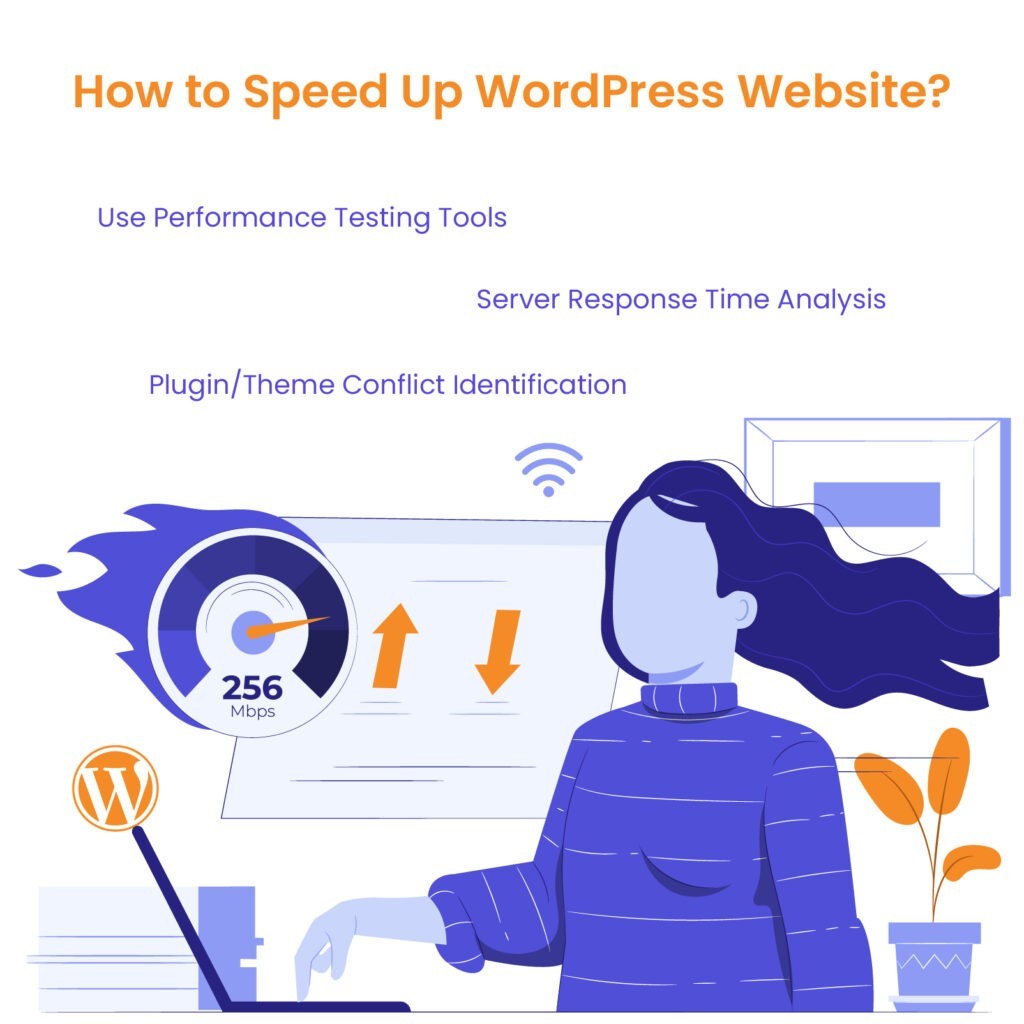
- Use Performance Testing Tools
One of the easiest ways to find out why your site is slow is by using performance testing tools. Platforms like GTMetrix, Pingdom, and Google PageSpeed Insights provide detailed reports on what’s causing delays. Simply enter your website’s URL, and these tools will analyze your site’s load time, pinpoint specific issues (like large images or slow scripts), and offer suggestions for improvement. By using these tools, you’ll gain a clear understanding of what’s affecting your site’s speed.
- Server Response Time Analysis
Your server’s response time plays a big role in how quickly your website loads. If your server takes too long to respond to requests, it can slow down your entire site. You can check your server response time using tools like Pingdom or WebPageTest. If you notice high response times, it might indicate the need for better hosting or server optimization. Keeping server response times low is key to resolving WordPress performance issues.
- Plugin/Theme Conflict Identification
Sometimes, slow speeds are caused by conflicts between your plugins and themes. You can identify these conflicts using WordPress debugging tools or by deactivating all your plugins and switching to a default theme. Gradually reactivate plugins and your theme one by one to see if the problem returns. This process helps isolate any conflicts that may be slowing down your site and offers insight into what needs fixing to speed up your WordPress website.wing down your site and offers insight into what needs fixing to speed up your WordPress website.
WordPress Outsourcing Services
Enhance your agency’s capabilities with our WordPress outsourcing services. Get expert development, design, and maintenance support tailored to your needs.
Quick WordPress Optimization Quiz
How well-optimized is your WordPress site? Answer these 10 questions with a simple Yes or No:
- Does your website load in under 3 seconds?
- Have you optimized and compressed all images?
- Are you using a caching plugin?
- Have you minified your HTML, CSS, and JavaScript?
- Is your WordPress core, themes, and plugins up to date?
- Are you using a Content Delivery Network (CDN)?
- Have you optimized your WordPress database recently?
- Is your website running on PHP 7.4 or later?
- Have you implemented lazy loading for images?
- Are you regularly monitoring your website’s performance?
Count your “Yes” answers:
- 8-10: Great job! Your site is well-optimized.
- 5-7: You’re on the right track, but there’s room for improvement.
- 0-4: Your site needs significant optimization. Focus on the areas you answered “No” to.
Use this quiz as a guide to identify areas for improvement and regularly reassess your site’s performance.
Proven Ways to Speed Up Your WordPress Site
Now that you understand what could be slowing your site down, let’s explore some WordPress optimization tips to help you fix a slow-loading WordPress site. These proven strategies can drastically improve your site’s speed and performance.

- Upgrade Your Hosting
Your hosting provider plays a huge role in how fast your site loads. If you are using shared hosting, you might want to upgrade to a VPS or dedicated server for better performance. Look for a hosting provider that specializes in WordPress and offers optimized environments for speed and security. Investing in better hosting can fix WordPress speed issues caused by server overload or slow response times.
- Compress and Optimize Images
Images often take up the most space on a website, which can slow down loading times. Use best practices like compressing images and choosing the right format (WebP, JPEG, or PNG). Tools like Smush, Imagify, or TinyPNG can help you compress images without sacrificing quality. Smaller images mean faster load times and a better user experience.
- Minify CSS, HTML, and JavaScript
Minification is the process of removing unnecessary characters from your site’s code (like spaces and line breaks) to reduce file sizes. This can speed up your site by making your code more efficient. Plugins like Autoptimize or WP Rocket can automate this process, helping you reduce file sizes and fix WordPress speed problems without any manual effort.
- Enable Caching
Caching is one of the most effective ways to speed up your site. There are different types of caching: browser caching, server-side caching, and CDN caching. Browser caching stores site data on the user’s device, while server-side caching saves server resources by delivering pre-rendered pages.
CDNs (content delivery networks) cache your content on servers around the world to deliver it faster to users.
Properly configuring these settings with plugins like WP Rocket or W3 Total Cache can make a huge difference.
- Optimize WordPress Database
Over time, your WordPress database can become cluttered with unnecessary data, which slows down site performance. Regular database clean-up can help remove unwanted revisions, spam comments, and transients. Plugins like WP-Optimize can automate this process, keeping your database running efficiently and improving overall site speed.
- Lazy Load Images
Lazy loading is a technique that delays the loading of images until they’re needed – meaning, images only load as users scroll down the page. This reduces initial load times and improves the user experience on your site. Many plugins, such as a3 Lazy Load, make this process easy to implement.
- Reduce External HTTP Requests
Every time your site loads an external resource, like social media widgets, fonts, or scripts, it slows down. Reducing the number of external HTTP requests can improve load times. You can do this by using inline scripts, minimizing the use of external fonts, and limiting the number of third-party widgets on your site.
- Use a CDN (Content Delivery Network)
A CDN stores copies of your website on servers across different locations, helping deliver your content faster to users based on their location. This reduces load times, especially for global visitors. Services like Cloudflare are great options for implementing a CDN and improving the speed of a slow-loading WordPress site.
- Regular Updates
Keeping your WordPress core, themes, and plugins up to date is essential for both security and performance. Updates often include optimizations that fix bugs, improve compatibility, and enhance site speed. By staying up to date, you can avoid many common WordPress performance issues.
Importance of Continuous Monitoring and Maintenance
To keep your site running smoothly and to prevent future WordPress performance issues, ongoing monitoring and regular maintenance are essential. Even after you’ve optimized your site, factors like plugin updates, server changes, or increasing traffic can still affect performance. That’s why ongoing monitoring is key to ensuring your efforts to speed up your WordPress website don’t go to waste.
Monitoring Tools
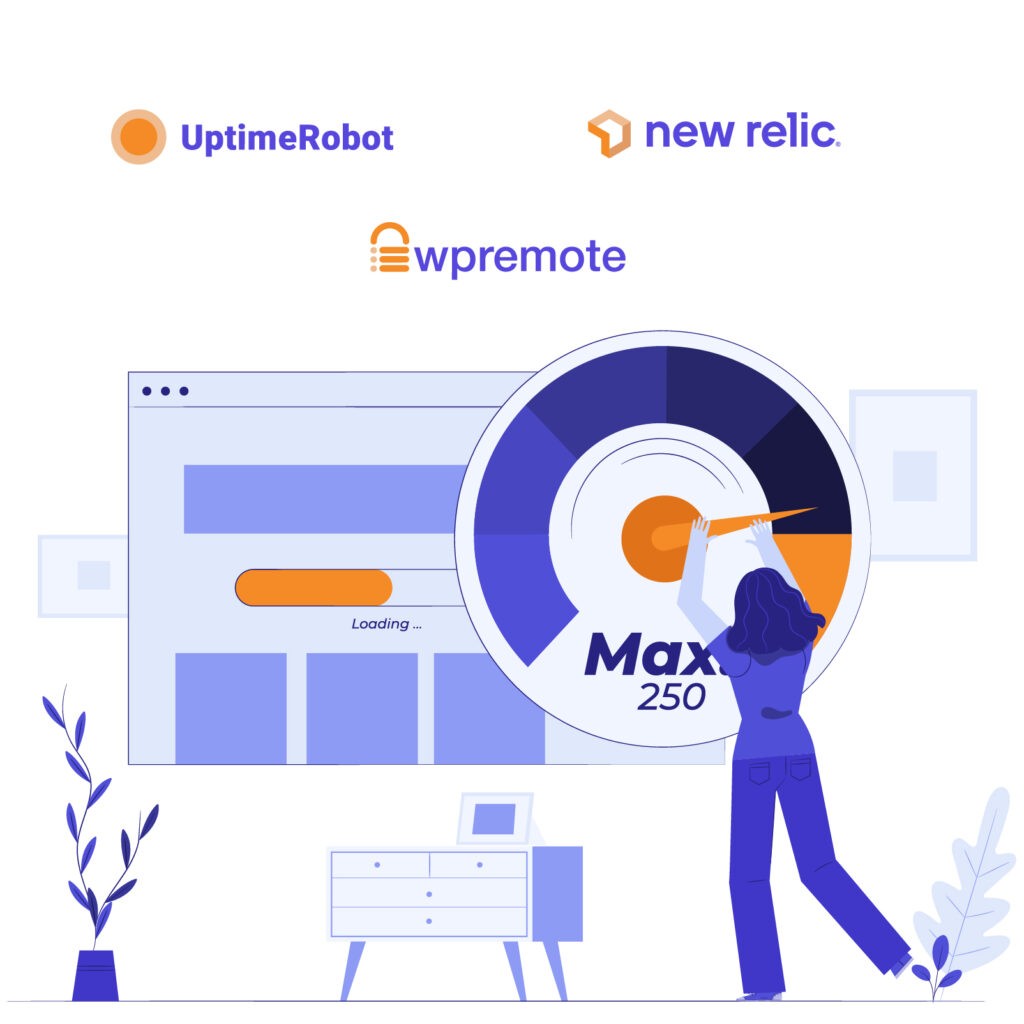
Using monitoring tools like UptimeRobot, New Relic, and WP Remote can help you track your website’s performance in real-time. UptimeRobot checks your site’s availability and alerts you if it goes down, while New Relic offers deep insights into server response times, application performance, and potential bottlenecks.
WP Remote allows you to manage updates and monitor multiple WordPress sites from a single dashboard, ensuring your plugins, themes, and WordPress core are always up-to-date.
Regular Site Audits
It’s also important to schedule regular site audits to spot any issues before they become serious problems. By periodically checking your site’s load times, database health, and plugin performance, you can maintain optimal performance and avoid future slowdowns. Tools like GTMetrix and Google PageSpeed Insights can be used for ongoing audits to ensure your site remains fast and responsive.
WordPress maintenance plans
WordPress Maintenance Plans ensure site security, performance, and uptime. Choose custom plans with backups, monitoring, and unlimited content edits.
Your Guide to a Faster WordPress Website
Improving the speed of your WordPress site doesn’t have to be overwhelming. By following these WordPress optimization tips – upgrading your hosting, optimizing images, enabling caching, and regularly maintaining your database – you can significantly speed up your WordPress website and provide a better user experience. Diagnosing common WordPress performance issues is the first step, and addressing them with the right solutions will help keep your site running smoothly.
If you’ve implemented these fixes but still find your site lagging, it might be time to consider advanced optimizations or professional help. Whether you choose to tackle the task yourself or hire an expert team, taking action is key to maintaining a fast, efficient website.
For advanced optimizations or ongoing performance management, expert assistance can make all the difference. At The White Label Agency, we specialize in delivering quality WordPress solutions tailored to digital agency needs. Whether you’re looking for speed improvements, ongoing maintenance, or a full site overhaul, our team is ready to help. Contact us and let us handle the technical optimization of your website.


