- Platform Overviews
- WordPress Development Agency
- Setup Process and User Experience
- Customization and Design Flexibility
- Content Management and Publishing
- Audience Engagement and Community Building
- Monetization Strategies
- SEO and Discoverability
- Scalability and Performance
- Website as a service
- Content Ownership and Data Portability
- Security and Maintenance
- Support and Community Resources
- Cost Analysis and Considerations
- Substack vs WordPress: Which Platform is Best for You?
Choosing the right platform for content creation is a crucial decision that can shape your success as a blogger, business owner, or content creator. Whether your goal is to build an audience, generate revenue, or establish a strong online presence, selecting the best tool can make all the difference.
Two leading options are Substack and WordPress. Substack is designed for simplicity, offering a streamlined approach to email newsletters and subscriptions. WordPress, on the other hand, provides a flexible and scalable solution for building websites and blogs. Each platform has unique advantages, making the Substack vs WordPress comparison essential for anyone looking to publish and monetize content.
This guide will break down Substack vs WordPress, examining factors like ease of use, customization, monetization, SEO, scalability, security, content ownership, and costs. By the end, you’ll have a clear understanding of which platform best fits your content strategy.
Platform Overviews

Before diving into the detailed comparison, it’s important to understand what each platform offers at a high level. Both Substack and WordPress cater to content creators, but they do so in different ways. Substack focuses on email newsletters and simple monetization, whereas WordPress provides a fully customizable platform for blogging, business websites, and even eCommerce.
Below, we break down the core features of Substack and WordPress to highlight their strengths and ideal user bases.
Substack
Launched in 2017, Substack was created to simplify content distribution and monetization, particularly through email newsletters. Its mission is to empower independent writers by providing a platform where they can publish, grow their audience, and generate revenue through paid subscriptions—all without needing technical expertise.
Core Features and Functionalities
- Built-in email newsletter system – Seamless email distribution to subscribers.
- Subscription-based monetization – Easy setup for paid and free content.
- Minimalistic content management – Focused on writing and engagement.
- Hosting and security included – No need for external web hosting.
Ideal User Base
Substack is best suited for independent writers, journalists, and content creators who want a straightforward way to publish and monetize their work through newsletters. It’s an excellent choice for those who prioritize simplicity over customization.
WordPress
Originally launched in 2003 as a blogging tool, WordPress has evolved into a full-fledged content management system (CMS) that powers over 40% of the web. Unlike Substack, WordPress is an open-source platform, offering complete flexibility for website building, blogging, and eCommerce.
Key Features and Capabilities
- Customizable themes and plugins – Endless design and functionality options.
- Full control over content – Users own and manage their website and data.
- SEO and analytics tools – Optimized for visibility and performance tracking.
- eCommerce integration – Supports online stores via WooCommerce.
Target Audience
WordPress is ideal for bloggers, businesses, and developers who need full control over their site’s design, content, and monetization. It caters to users who want a more scalable solution beyond newsletters.
When comparing WordPress vs Substack, the decision often comes down to priorities – Substack offers ease of use and a built-in audience, while WordPress provides greater flexibility and long-term scalability.
WordPress Development Agency
Experience WordPress development with our custom-coded websites. Perfect for agencies, our reliable service ensures timely delivery and client satisfaction.
Setup Process and User Experience
Now that we have a basic understanding of both platforms, let’s explore how easy they are to set up and manage. If you’re a writer looking to start quickly, you might prefer Substack’s simplicity. On the other hand, if you want a fully customized website, WordPress offers more control, albeit with a slightly steeper learning curve.
Substack
Setting up an account on Substack is quick and straightforward, making it an attractive option for writers who want to start publishing immediately.
Account Creation and Initial Setup
To begin, users sign up with an email address and create a publication name. Substack automatically generates a basic site, which includes a homepage, an about section, and an email subscription form. Unlike traditional blogging platforms, Substack does not require domain setup, hosting configuration, or technical knowledge.
Onboarding Process
Substack guides new users through essential setup steps, such as importing an email list, writing the first post, and enabling paid subscriptions. The platform prioritizes simplicity, ensuring that writers can focus on content rather than backend management. However, those looking for more control over design and structure may find its customization options limited.
WordPress
Compared to Substack, WordPress offers a more flexible but slightly more complex setup, depending on whether users choose the self-hosted WordPress.org version or a managed hosting solution like WordPress.com.
Installation (Self-Hosted vs. Managed Hosting)
- Self-Hosted (WordPress.org): Requires purchasing a domain, selecting a hosting provider, and installing WordPress. While this approach provides full control over customization, security, and monetization, it demands more technical setup.
- Managed Hosting (WordPress.com or third-party providers): Simplifies the process by handling hosting, security, and maintenance, but limits customization compared to a self-hosted site.
Initial Configuration and Customization
Once installed, WordPress allows users to choose from thousands of themes, install plugins for added functionality, and configure site settings. Unlike Substack, WordPress provides extensive design control, making it a preferred choice for those who want to build a personalized online presence.
For writers considering long-term content growth, an important question arises: Is Substack good for blogging? While it excels at email-based publishing, it lacks the depth of customization, SEO tools, and scalability that WordPress offers for full-fledged blogs.
Customization and Design Flexibility
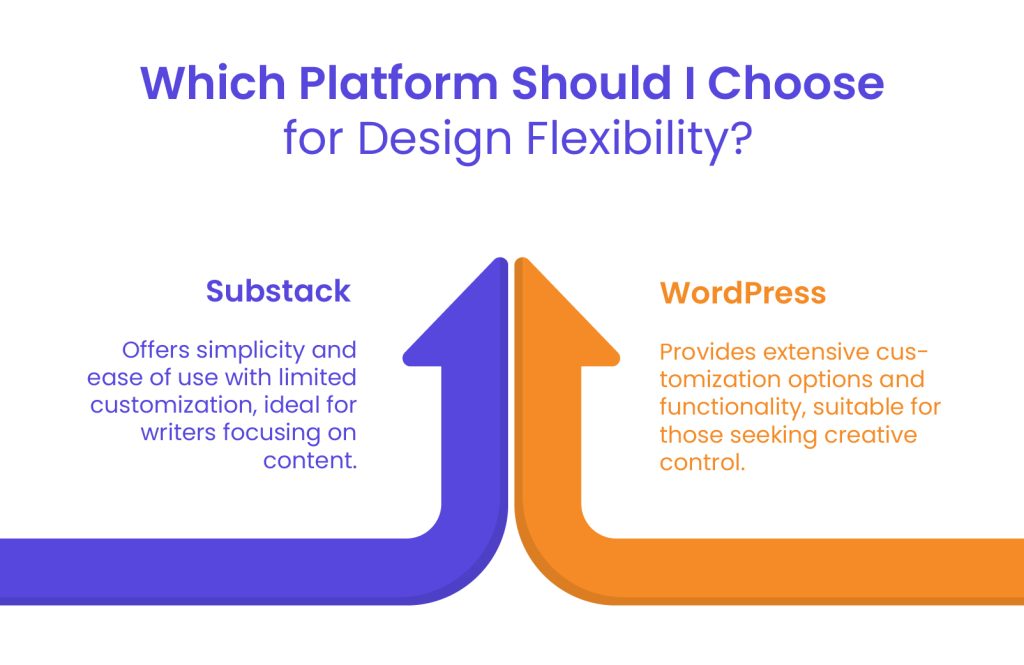
A website’s appearance and functionality play a crucial role in branding and engagement. Some writers prefer a minimalist, no-fuss approach, while others want full control over design. Substack and WordPress take very different approaches in this area, so let’s compare their design capabilities.
Substack
When it comes to design flexibility, Substack keeps things simple. The platform offers a minimalistic layout with limited customization options, making it easy for writers to focus on content rather than design.
Available Design Options and Limitations
- Basic theme customization – Users can choose between light and dark themes.
- Limited branding control – Custom logos and colors can be added, but layout customization is restricted.
- No advanced design tools – Unlike full website builders, Substack does not allow users to modify CSS or add custom scripts.
While Substack’s simplicity benefits those who want a clean, distraction-free experience, it may feel restrictive for creators who want full control over their site’s look and feel.
WordPress
Compared to Substack, WordPress is a powerhouse when it comes to customization, offering users complete control over their website’s design and functionality.
Theme Selection and Customization
- Thousands of free and premium themes – Users can choose from an extensive library of professionally designed themes.
- Full control over layouts – Themes allow customization of headers, footers, sidebars, and typography.
- Custom CSS and page builders – Advanced users can modify CSS or use drag-and-drop builders like Elementor or Divi for a fully customized experience.
Plugin Ecosystem for Extended Functionality
- SEO optimization tools – Yoast SEO and Rank Math help improve content visibility.
- E-commerce integration – WooCommerce enables online store functionality.
- Membership and subscription options – Plugins like MemberPress allow paywalled content similar to Substack.
In the Substack vs WordPress debate, design flexibility is a major differentiator. While Substack is great for writers who prefer a no-fuss approach, WordPress offers limitless customization, making it the better choice for those who want complete creative control. Whether you’re building a simple blog or a full-fledged business website, WordPress provides far more design possibilities than Substack, making it the go-to platform for users who prioritize flexibility.
Content Management and Publishing
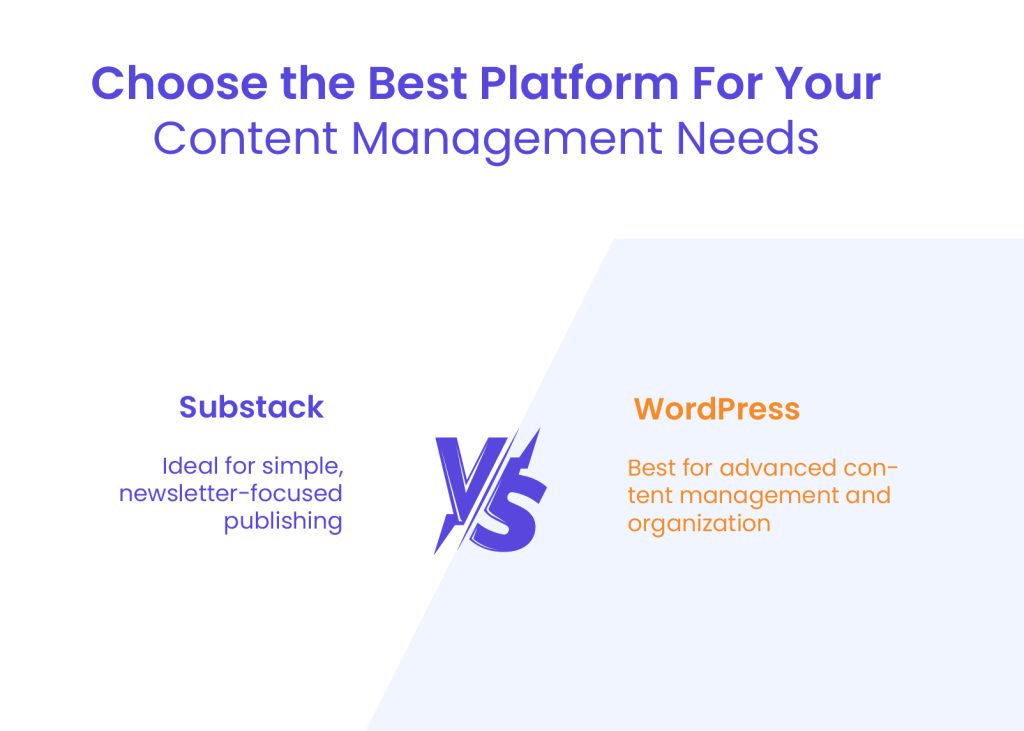
Once your platform is set up and designed, the next critical factor is content management. The ability to create, organize, and distribute content efficiently is key for any content creator. Substack and WordPress differ significantly in their approach—Substack is optimized for email-based publishing, while WordPress offers a structured and feature-rich content management system (CMS).
Substack
Substack is designed to make writing and publishing as seamless as possible, catering primarily to newsletter writers and independent publishers.
Writing and Editing Interface
- Minimalist editor – Substack’s writing interface is clean and distraction-free, making it easy to focus on content.
- Basic formatting options – Users can add headings, images, and links but have limited control over advanced formatting.
- Email-first publishing – Every post is automatically formatted for email distribution, reinforcing Substack’s newsletter-centric approach.
Content Scheduling and Management
- Built-in scheduling – Writers can schedule posts in advance for automated delivery.
- Limited content organization – No categories, tags, or hierarchical structure like traditional blogs.
- No draft management system – Unlike WordPress, Substack does not offer advanced editorial tools for managing multiple drafts or collaboration.
While Substack excels at making publishing straightforward, it lacks deeper content management tools, which can be a drawback for those who need more than a simple newsletter setup.
WordPress
As a full-fledged CMS, WordPress offers far greater control over content creation and organization, making it a preferred choice for bloggers, businesses, and publishers.
Block Editor (Gutenberg) vs. Classic Editor
- Gutenberg block editor – A modern, drag-and-drop system that allows users to structure content with blocks for text, images, videos, buttons, and more.
- Classic editor (optional) – Traditional word processor-like experience for those who prefer a simpler writing interface.
- Custom blocks and templates – Users can create reusable content blocks for consistent formatting across posts.
Advanced Content Management Features
- Categories and tags – Helps organize content for better navigation and SEO.
- Editorial workflow tools – Plugins like Edit Flow enable multi-author collaboration, editorial calendars, and workflow management.
- Custom post types – Beyond standard blog posts, users can create custom content types like portfolios, testimonials, or case studies.
When comparing WordPress vs Substack, WordPress is the clear winner for users who need a structured content management system with advanced publishing options.
Audience Engagement and Community Building
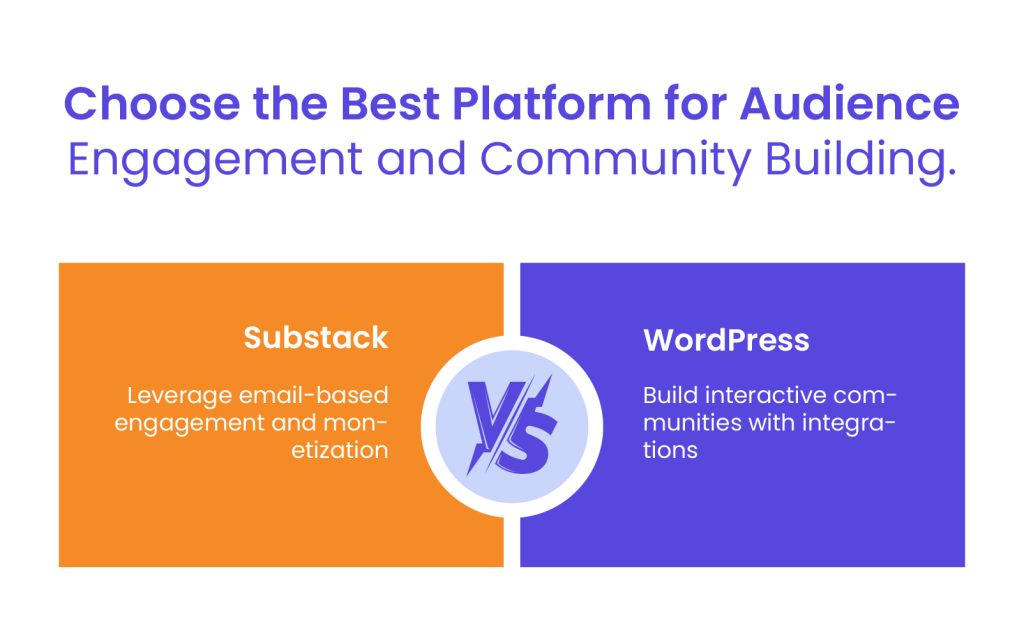
Engaging with your audience is essential for growth and retention. Both Substack and WordPress offer tools for building a loyal community, but they take different approaches.
Substack
One of Substack’s biggest advantages is its built-in tools for audience engagement, making it easy for writers to grow and interact with their subscribers.
Built-in Subscriber Management
- Email-based audience growth – Every post is sent directly to subscribers’ inboxes, increasing visibility and engagement.
- Subscription analytics – Writers can track open rates, subscriber growth, and revenue from paid memberships.
- Seamless monetization – Readers can easily upgrade to paid subscriptions, creating a direct revenue stream.
Commenting and Community Features
- Integrated commenting system – Readers can engage with content directly within the email or on the Substack website.
- Community threads – Some writers use discussion threads to foster reader engagement.
- Limited social interaction – Unlike WordPress, Substack does not support forums or interactive community-building beyond email-based engagement.
While Substack offers strong subscriber management, its community-building features remain relatively basic, primarily centered around email interactions.
WordPress
WordPress provides more extensive tools for audience engagement, allowing users to build communities, integrate email marketing, and even create social networks.
Integrations with Email Marketing Services
- Mailchimp, ConvertKit, and ActiveCampaign – WordPress supports direct integration with leading email marketing platforms.
- Lead capture tools – Plugins like OptinMonster help convert visitors into subscribers.
- Automated newsletters – RSS-to-email features allow blog content to be automatically shared with subscribers.
Community Plugins (Forums, Social Networks)
- Forum creation with bbPress – Allows websites to host discussions and Q&A forums.
- Social networking with BuddyPress – Enables WordPress users to create private or public social networks.
- Advanced commenting systems – Plugins like Disqus and wpDiscuz enhance reader engagement.
When comparing Substack vs WordPress, WordPress clearly provides more robust community-building options. Substack vs WordPress isn’t just about content distribution – it’s about whether you want simple email engagement or a fully interactive audience experience.
Monetization Strategies
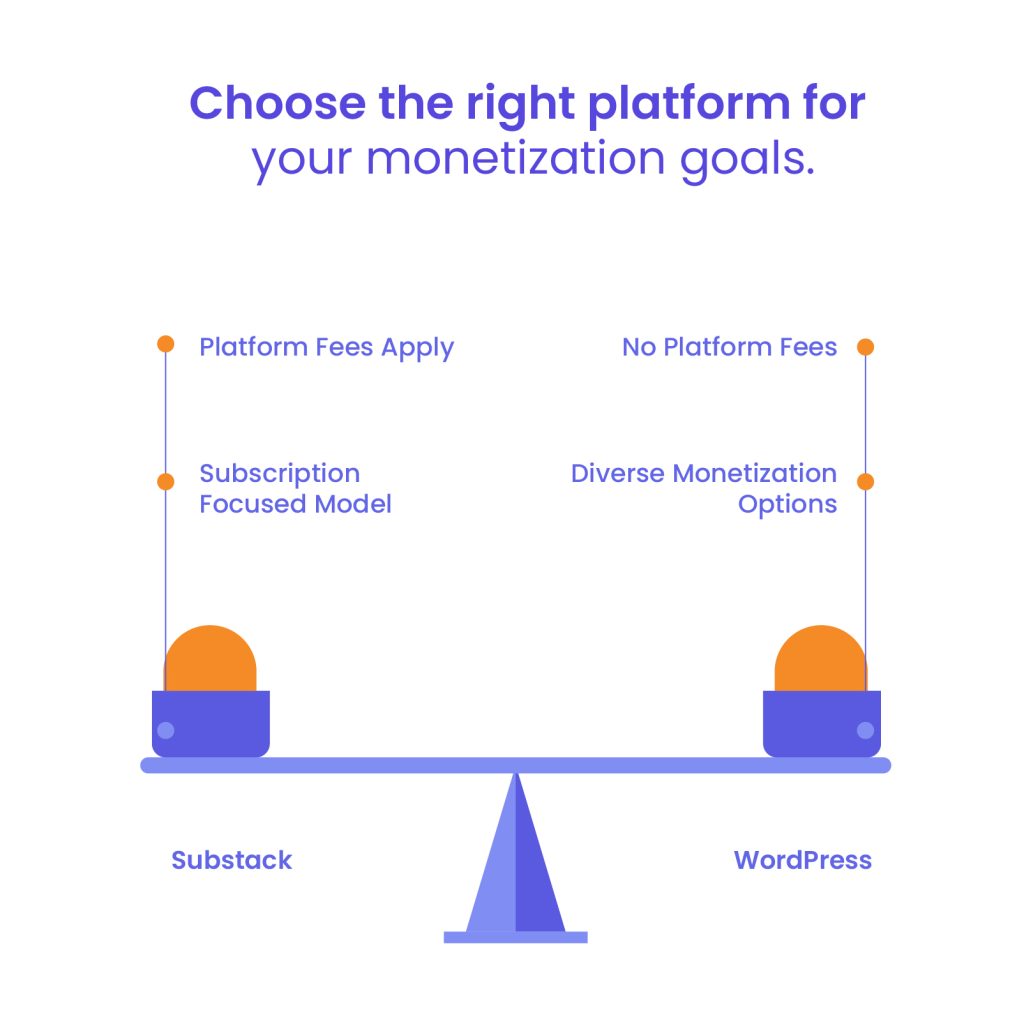
For many content creators, earning revenue is a key priority. Substack and WordPress offer different monetization models—Substack is subscription-driven, while WordPress offers multiple revenue streams.
Substack
Substack is designed for writers looking to earn revenue directly from their audience through a subscription-based model.
Subscription Models and Fee Structures
- Free and paid subscriptions – Writers can offer both free and premium content, with the ability to gate exclusive posts behind a paywall.
- Revenue sharing – Substack takes a 10% cut of all subscription earnings, in addition to standard payment processing fees.
- Simple pricing structure – No upfront costs; Substack only makes money when writers do.
Payment Processing Details
- Handled through Stripe – Writers must set up a Stripe account to receive payments.
- Monthly recurring revenue model – Paid subscribers are billed automatically.
- No support for one-time purchases – Unlike WordPress, Substack doesn’t offer one-time sales, donations, or direct product sales.
Substack’s monetization is straightforward but comes with platform fees that can eat into earnings, especially for high-volume publishers.
WordPress
WordPress provides far more flexibility when it comes to monetization, making it a better long-term option for those looking to scale their income streams.
Diverse Monetization Options
- Advertising revenue – Integrate Google AdSense, Mediavine, or Ezoic for ad-based earnings.
- Membership and subscription models – Plugins like MemberPress and Paid Memberships Pro allow gated content, similar to Substack.
- E-commerce capabilities – WooCommerce enables product and service sales, which Substack does not support.
- Affiliate marketing – WordPress users can monetize content through affiliate links and sponsored posts.
Integration with Payment Gateways
- Supports Stripe, PayPal, and more – Unlike Substack, WordPress users can choose from multiple payment processors.
- One-time and recurring payments – Sell individual products, digital downloads, or offer subscription-based services.
- Full revenue control – No platform fees like Substack’s 10% cut; all earnings go directly to the site owner.
SEO and Discoverability

One of the biggest differences between Substack and WordPress is search engine optimization (SEO) and discoverability. If you want to reach a wider audience beyond your existing email subscribers, SEO plays a crucial role. While Substack relies on its built-in network and email distribution, WordPress is built with SEO in mind, making it the better choice for long-term growth through organic search.
Substack
Substack offers basic SEO features, but its discoverability tools are limited compared to full-fledged website platforms like WordPress.
Built-in SEO Capabilities
- Auto-generated metadata – Substack automatically creates titles, descriptions, and URLs for posts.
- Simple keyword optimization – Writers can include keywords in their post titles and headings, but there’s no advanced control over SEO elements.
- Limited indexing options – Substack content can appear in search engines, but the platform prioritizes email distribution over organic search visibility.
While Substack has minimal SEO customization, it does have a built-in network where new users can discover writers through recommendations and featured newsletters. However, this is not a substitute for true search engine optimization.
WordPress
WordPress is one of the most SEO-friendly platforms, giving users full control over how their content ranks in search engines.
Advanced SEO Plugins and Tools
- Yoast SEO and Rank Math – These plugins provide tools for optimizing metadata, sitemaps, and readability.
- Custom URL structures – Users can create SEO-friendly permalinks, unlike Substack’s auto-generated URLs.
- Schema markup support – Helps search engines understand content structure for better rankings.
Best Practices for Optimizing Content
- Keyword optimization – WordPress allows in-depth keyword research and strategic placement.
- Fast-loading sites – Speed is a ranking factor, and WordPress offers caching plugins like WP Rocket for performance improvements.
- Mobile optimization – Responsive themes ensure a better mobile experience, which is essential for search rankings.
When comparing Substack vs WordPress, WordPress clearly leads in SEO capabilities. While Substack relies on direct email engagement, WordPress gives content creators the tools they need to rank higher in search engines and attract organic traffic.
Scalability and Performance

As your audience grows, you need a platform that can handle increased traffic and subscriber counts. While Substack manages everything for you, WordPress offers greater scalability and performance control.
Substack
Substack is built to handle growing subscriber lists without requiring users to manage technical infrastructure. However, there are some limitations to consider as an audience grows.
Handling Increased Subscriber Counts
- No hosting concerns – Substack manages all backend operations, ensuring that newsletters are delivered regardless of audience size.
- Built-in email delivery – Writers don’t have to worry about email sending limits or server downtime.
- Lack of advanced segmentation – While Substack allows for free and paid subscriber lists, it lacks detailed audience segmentation and automation tools.
Performance Considerations
- Optimized for newsletters – The platform is designed for email-first content, but its web-based experience is relatively basic.
- Limited site customization – Since Substack does not allow external plugins or caching, users have little control over site performance.
- No control over hosting speed – Writers are dependent on Substack’s infrastructure, which means they cannot optimize loading times or implement performance enhancements.
While Substack is reliable for scaling a newsletter audience, it lacks the flexibility to improve site speed or accommodate different types of content beyond long-form posts.
WordPress
WordPress is built for scalability, allowing users to optimize performance as their website traffic increases.
Scaling Strategies for High Traffic
- Dedicated hosting options – Users can upgrade from shared hosting to VPS or cloud hosting for better speed and reliability.
- CDN integration – Content delivery networks (CDNs) like Cloudflare distribute site content globally, reducing load times.
- Load balancing – Advanced hosting setups can distribute traffic across multiple servers for better performance.
Performance Optimization Techniques
- Caching solutions – Plugins like WP Rocket and W3 Total Cache improve loading times by storing static versions of pages.
- Image optimization – Tools like Smush and ShortPixel reduce image file sizes without sacrificing quality.
- Database cleanup – Regularly removing unnecessary data helps improve query speeds and overall site efficiency.
For long-term growth, WordPress provides greater flexibility in handling high traffic and optimizing site performance. Unlike platforms with fixed infrastructure, it allows users to implement custom strategies for improving speed and scalability as their audience expands.
Website as a service
Website As a Service [WAAS] provides complete website solutions including design, hosting, and maintenance through a convenient subscription model for Agencies.
Content Ownership and Data Portability
One of the most critical considerations when choosing a platform is content ownership. Substack operates within a closed ecosystem, while WordPress provides full control over content and data.
Substack
Substack operates as a hosted service, meaning writers use its infrastructure to publish and distribute their content. While users technically own their writing, they are dependent on Substack’s ecosystem for storage, distribution, and monetization. The platform allows users to export their email list and posts, but the process comes with limitations.
Formatting and design elements do not always transfer seamlessly, and migrating content to another platform requires additional effort. This lack of full control can be a disadvantage for those looking for long-term flexibility in managing and moving their content.
WordPress
In contrast to Substack, WordPress gives users complete control over their content and data. Since WordPress is self-hosted or managed through third-party providers, users retain ownership of all their website files, database, and media. There are no restrictions on exporting or migrating content, making it easy to switch hosting providers or move to another CMS if needed.
Additionally, WordPress allows for full database backups, ensuring content security and long-term accessibility.
When comparing Substack vs WordPress, the difference in content ownership is significant. Substack operates within a closed ecosystem where content remains tied to its platform, while WordPress provides complete autonomy over content and data.
For creators who value independence and future-proofing their work, WordPress is the more flexible choice. The Substack vs WordPress decision ultimately depends on whether users prefer the simplicity of a hosted service or the full control of a self-managed website.
Security and Maintenance
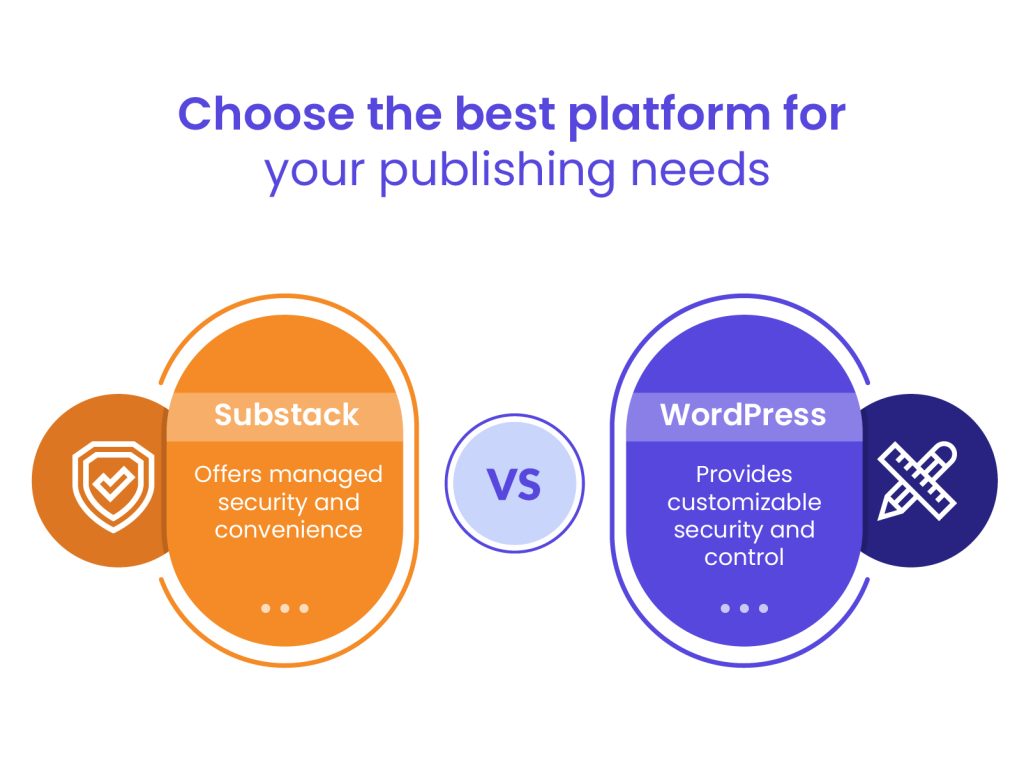
Security and maintenance are critical aspects of running a website or content platform. The more control you have, the more responsibility you bear for keeping your content secure. Substack and WordPress handle security and maintenance very differently.
Substack
Security is a major concern for any online platform, and Substack takes care of most aspects of it on behalf of its users. Since it is a fully managed service, writers do not need to worry about security updates, hosting vulnerabilities, or data breaches. Substack handles everything from encryption to spam protection, ensuring that both content and subscriber data remain secure.
However, because users do not have direct control over security measures, they are entirely dependent on Substack’s infrastructure. If the platform experiences downtime, data breaches, or policy changes, writers have little recourse other than exporting their content and moving elsewhere.
WordPress
Unlike Substack, WordPress requires users to take an active role in maintaining security. Regular updates to themes, plugins, and the core platform are essential to protecting a site from vulnerabilities. Backups are another critical aspect, ensuring that content and site configurations can be restored in case of data loss or hacking attempts. Security best practices include using strong passwords, enabling two-factor authentication, and limiting login attempts to prevent unauthorized access.
To enhance security further, WordPress users can install plugins such as Wordfence or Sucuri, which provide firewall protection, malware scanning, and login monitoring. While this requires more effort compared to a fully managed service like Substack, it also offers far greater control and flexibility in securing a website.
When comparing WordPress vs Substack, the choice comes down to convenience versus control. Substack eliminates security concerns by handling everything behind the scenes, but users must trust the platform’s reliability. WordPress, on the other hand, requires ongoing maintenance but provides complete ownership and the ability to customize security measures.
For those willing to invest in long-term site security and performance, WordPress remains the more powerful option. However, for writers who prefer a hands-off approach, Substack offers a simpler and more managed solution. In the WordPress vs Substack debate, security ultimately depends on whether users prioritize convenience or control over their publishing environment.
Support and Community Resources

When issues arise, having access to reliable support and community resources can make a significant difference. Substack and WordPress differ in how they handle customer support, as well as the size and accessibility of their user communities.
Substack
For writers who need assistance, Substack offers a straightforward support system. Users can reach out through official support channels, typically via email, and receive responses from the Substack team. While this works well for general inquiries, there is no live chat or dedicated support line for immediate troubleshooting.
Beyond official support, Substack has a growing community of writers who share tips and best practices. The platform offers resources such as blog posts, help center articles, and FAQs to guide users through common issues. Some independent communities, including social media groups and newsletters, also provide peer-to-peer advice. However, the overall support ecosystem is relatively small compared to larger, more established platforms.
WordPress
With millions of users worldwide, WordPress has one of the most extensive support networks available. Whether beginners or advanced developers need assistance, they can find answers through official documentation, community forums, or third-party tutorials.
The official support system includes a comprehensive knowledge base, step-by-step guides, and developer resources that cover everything from basic setup to advanced customizations. Additionally, countless online forums, YouTube tutorials, and blogs provide free troubleshooting advice. Those using premium themes or plugins often have access to dedicated support teams, making it easy to resolve issues quickly.
While WordPress requires more hands-on learning, the sheer volume of educational resources ensures that users can find solutions to nearly any problem. The community-driven nature of the platform means there is always someone who has encountered a similar issue and is willing to share insights or fixes.
Cost Analysis and Considerations

Finally, understanding the cost implications of each platform is essential. While Substack has no upfront fees, it takes a percentage of revenue. WordPress, on the other hand, has variable costs based on hosting and customization choices.
Substack
Substack operates on a simple revenue-sharing model, making it easy for writers to start publishing without any upfront costs. The platform is free to use, but if a writer chooses to monetize their content through paid subscriptions, Substack takes a percentage of the earnings. The standard fee is ten percent of all subscription revenue, in addition to transaction fees from the payment processor.
While this model is appealing for those who prefer a low-risk entry into content monetization, the costs can add up as the subscriber base grows. Writers who generate significant revenue may find the fees restrictive compared to other platforms where they retain a larger percentage of their earnings.
WordPress
Unlike Substack’s revenue-sharing approach, WordPress allows users to control costs based on their specific needs. The most significant expense is web hosting, which varies depending on the provider and plan chosen. A basic shared hosting plan is relatively inexpensive, while managed hosting or cloud solutions come at a higher price.
Additional costs may include premium themes, plugins for added functionality, and security measures such as backups and firewalls.
Over time, these expenses can add up, but they offer greater flexibility in terms of ownership and monetization. Instead of paying a fixed percentage of revenue, users can choose cost-effective solutions tailored to their business model.
While setting up a site may require more investment upfront, the long-term financial benefits of keeping full control over earnings often outweigh the initial costs. Those who plan for growth and scalability may find this approach more sustainable in the long run.
Substack vs WordPress: Which Platform is Best for You?
Choosing between Substack vs WordPress depends on your goals as a content creator. If you want a simple, newsletter-focused platform that handles hosting and monetization for you, Substack offers a straightforward solution.
However, if you need complete control over your content, design, SEO, and revenue, WordPress provides unmatched flexibility and scalability.
Throughout this comparison, we’ve explored key differences in customization, monetization, audience engagement, SEO, security, and overall ownership. Substack is ideal for writers who want to focus purely on content distribution without technical complexity, while WordPress is the better option for those who want to build a brand, scale their business, and maximize long-term growth.
If you’re looking for expert help in building a high-performing WordPress site tailored to your needs, White Label Agency can help. Whether you need a fully customized website, seamless content migration, or expert WordPress development, our team is here to support your growth. Contact us today and choose the platform that empowers your business.